Multimedia
Image properties: Set the sharpness, hue, saturation, brightness, and contrast
levels at Low, Medium or High. The default setting is Medium.
Anti-icker: Adjust the setting to eliminate moiré or ickering effects or you
can also disable it.
Restore defaults: Restore the factory settings of the camera.
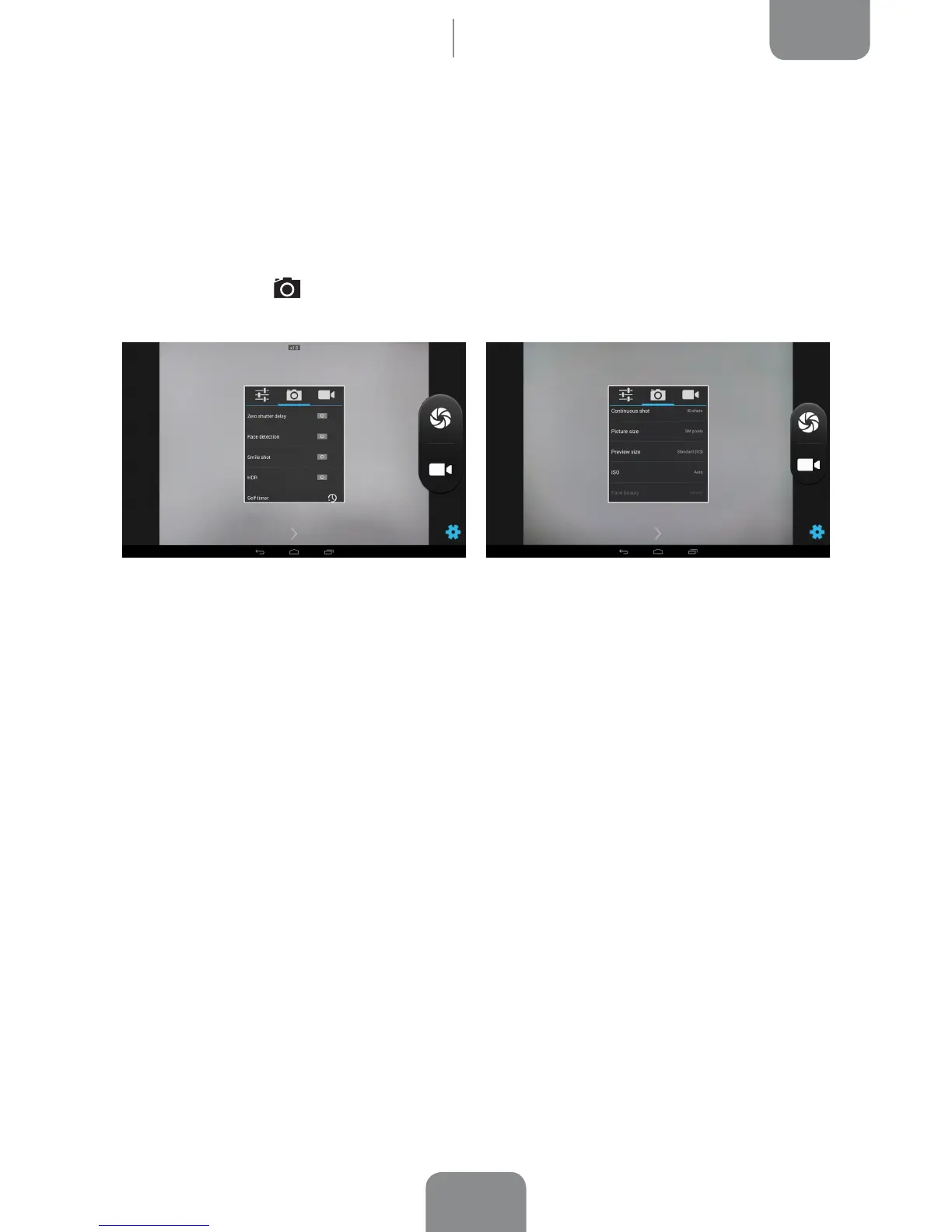
· Photo settings
Zero shutter delay settings: Enable/disable image stabilisation.
Face detection: Enable/disable automatic face detection.
Smile shot: Enable/disable automatic smile detection shooting mode.
HDR: High Dynamic Range is a photo mode that increases the image contrast
by taking 3 shots with different exposures and superposing them onto one
image.
Self timer: Adjust the countdown timer (2s, 10s or disabled).
Continuous shot: Set the number of shots taken if you hold down the shutter
release continuously(40 or 99 shots).
Picture size: Set the image quality by choosing values ranging from QVGA up
to 5 Mpx.
Preview size: Adjust the size of images in preview mode. Select from Full screen
or Standard (4:3).



 To Next Page