Multimedia
ISO: Select the level of light sensitivity according to the current conditions.
Select Auto mode or you can manually set the values from 100 to 1600.
Face beauty: Select the default Face beauty mode and it enables you to select
various options.
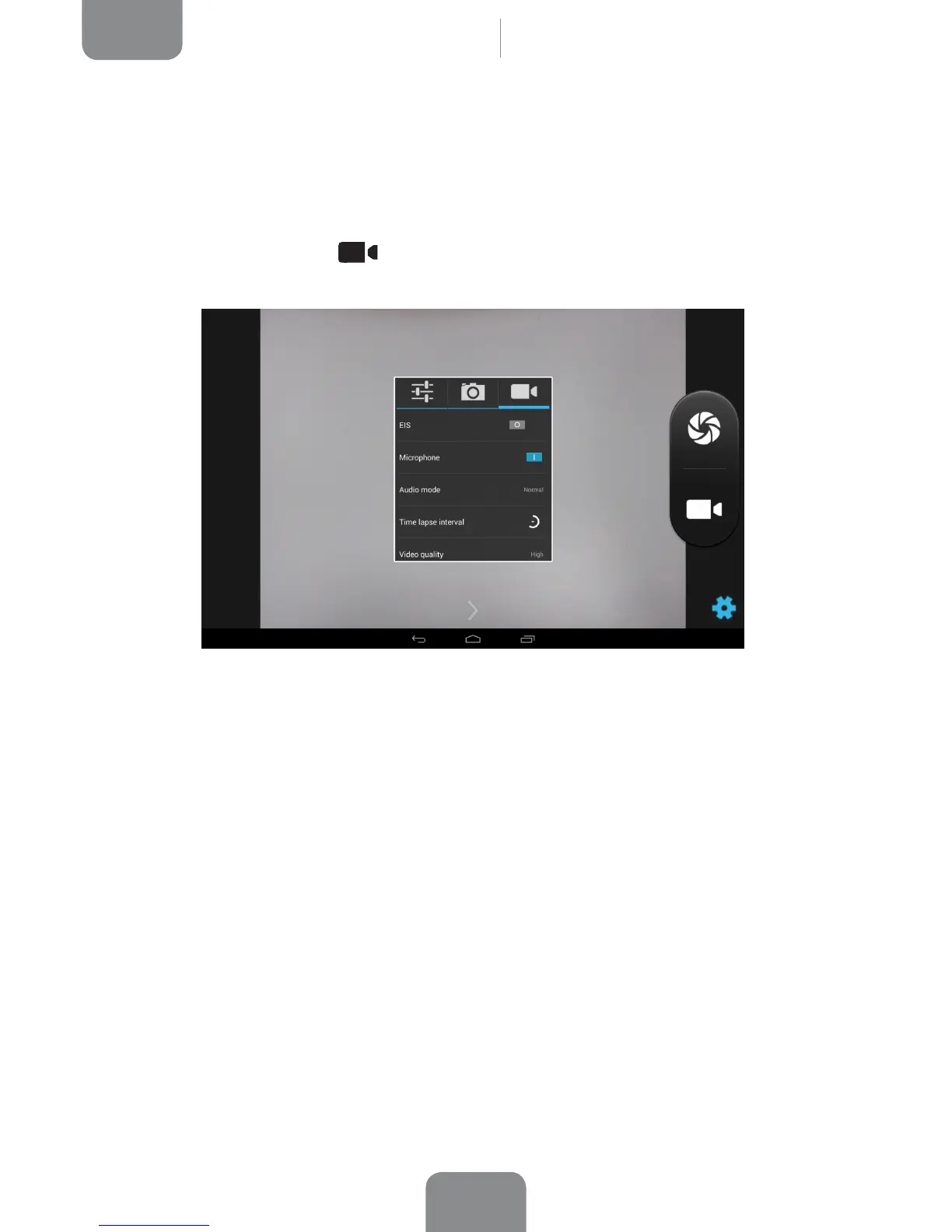
· Video camera settings
EIS: Enable/disable video stabilisation.
Microphone: Enable/disable audio recording.
Audio mode: Select Normal or Meeting (to record voices from points at various
distances from the device). The microphone must be enabled in order to change
the mode.
Time lapse interval: Set the time interval between each frame captured from 1s to
10s. Think of it like this; every second of fast-camera video will require 30 frames.
The faster you want the frames to move, the smaller the time interval you will need
to select.
Video quality: Select from four video quality options.



 To Next Page