BMP™21 1-5
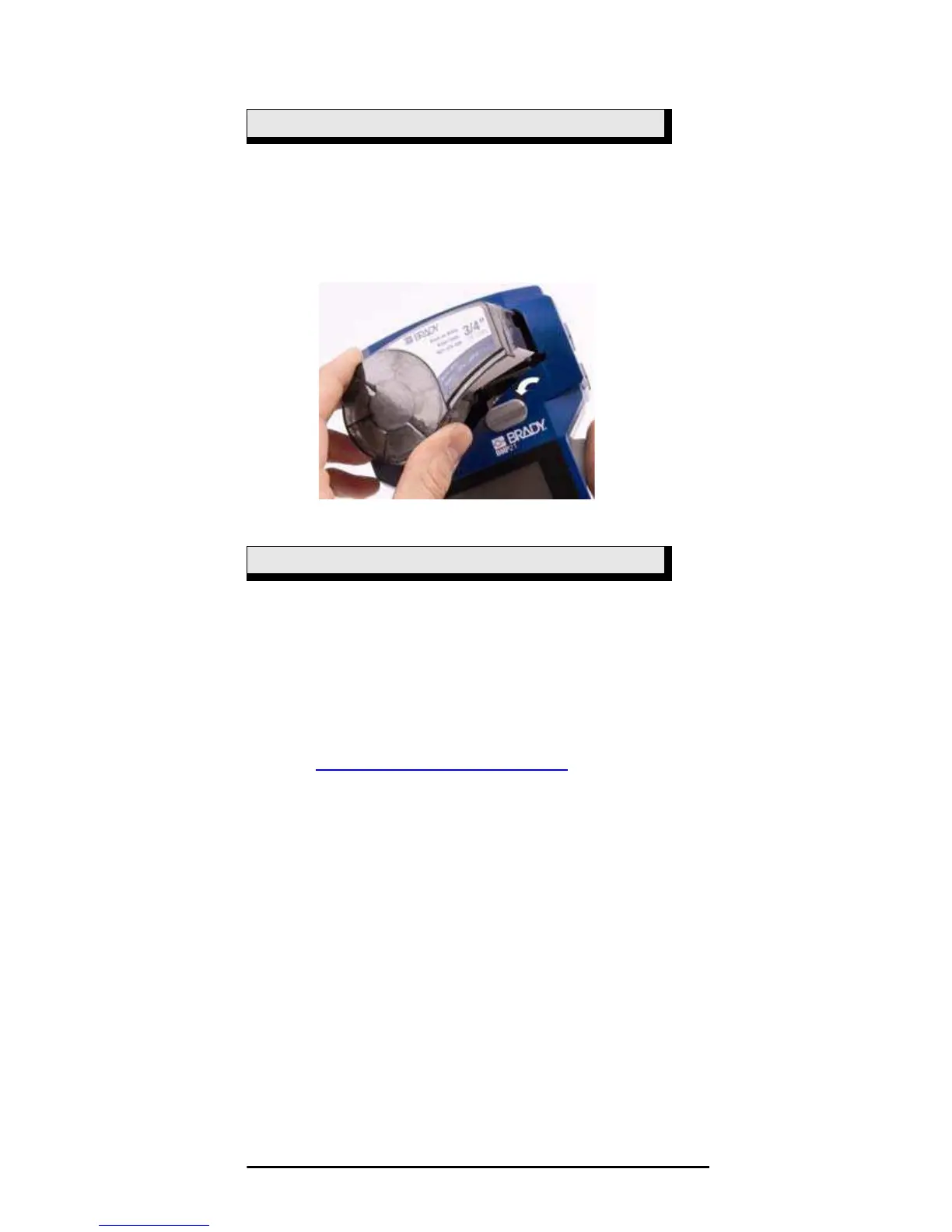
1. Unlock Lever and push Release Button (on back).
2. Remove old cartridge.
3. Insert new cartridge.
4. Lock lever.
Thank you for purchasing the
BMP21
handheld printer from the
Brady Corporation.
For technical assistance, please contact one of the following
system support teams at:
• 1-888-272-3946 (USA)
• 1-800-263-6719 (Canada)
• www.bradyeurope.com/services (Europe)
• 44 1295 228 205 (UK)
• 01 800 112 7239 (Mexico)
• 55 11 3604 7729 (Brazil)
• 001-866-748-4424 (Latin America)
Please have your serial number (located inside the cartridge
bay) available when contacting our representatives.
Changing Label Cartridge
Technical Assistance



 To Next Page