74 Bradyprinter 200MVP and 300MVP User’s Guide
&$1&(/.H\6HOI7HVW
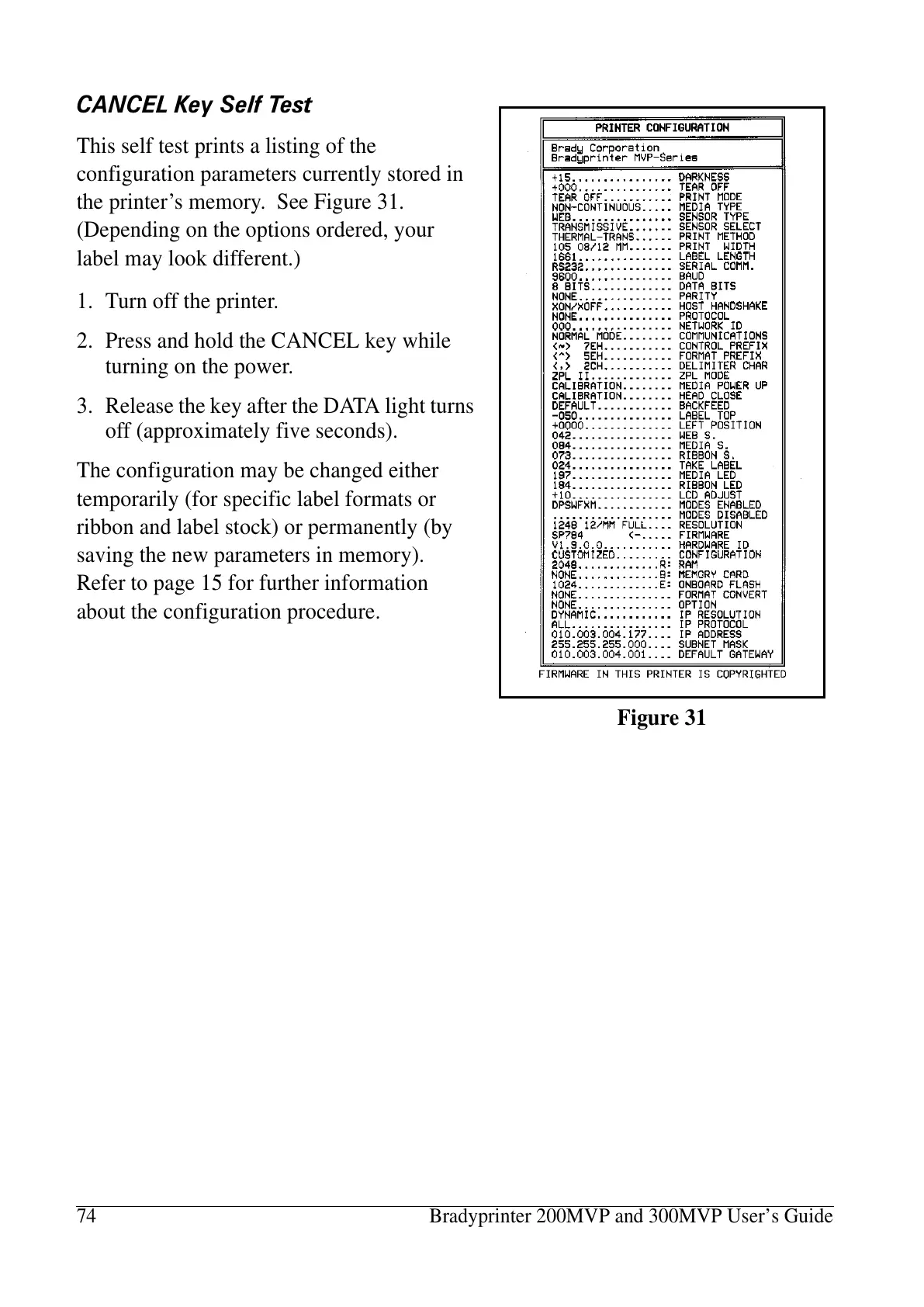
This self test prints a listing of the
configuration parameters currently stored in
the printer’s memory. See Figure 31.
(Depending on the options ordered, your
label may look different.)
1. Turn off the printer.
2. Press and hold the CANCEL key while
turning on the power.
3. Release the key after the DATA light turns
off (approximately five seconds).
The configuration may be changed either
temporarily (for specific label formats or
ribbon and label stock) or permanently (by
saving the new parameters in memory).
Refer to page 15 for further information
about the configuration procedure.
Figure 31















 To Next Page