Bradyprinter 200MVP and 300MVP User’s Guide 75
3$86(.H\6HOI7HVW
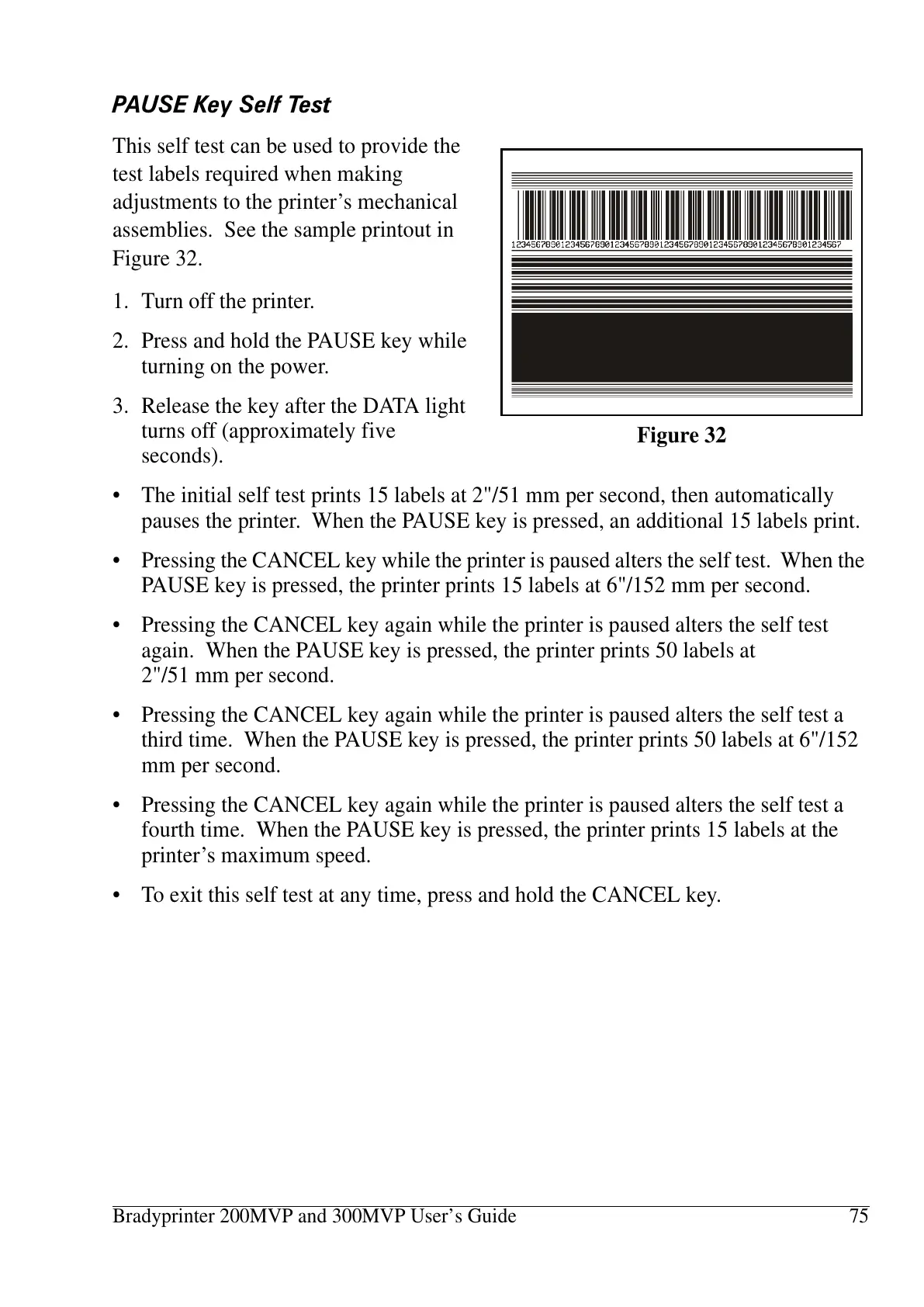
This self test can be used to provide the
test labels required when making
adjustments to the printer’s mechanical
assemblies. See the sample printout in
Figure 32.
1. Turn off the printer.
2. Press and hold the PAUSE key while
turning on the power.
3. Release the key after the DATA light
turns off (approximately five
seconds).
• The initial self test prints 15 labels at 2"/51 mm per second, then automatically
pauses the printer. When the PAUSE key is pressed, an additional 15 labels print.
• Pressing the CANCEL key while the printer is paused alters the self test. When the
PAUSE key is pressed, the printer prints 15 labels at 6"/152 mm per second.
• Pressing the CANCEL key again while the printer is paused alters the self test
again. When the PAUSE key is pressed, the printer prints 50 labels at
2"/51 mm per second.
• Pressing the CANCEL key again while the printer is paused alters the self test a
third time. When the PAUSE key is pressed, the printer prints 50 labels at 6"/152
mm per second.
• Pressing the CANCEL key again while the printer is paused alters the self test a
fourth time. When the PAUSE key is pressed, the printer prints 15 labels at the
printer’s maximum speed.
• To exit this self test at any time, press and hold the CANCEL key.
Figure 32















 To Next Page