User Manual 24
Status Indicators
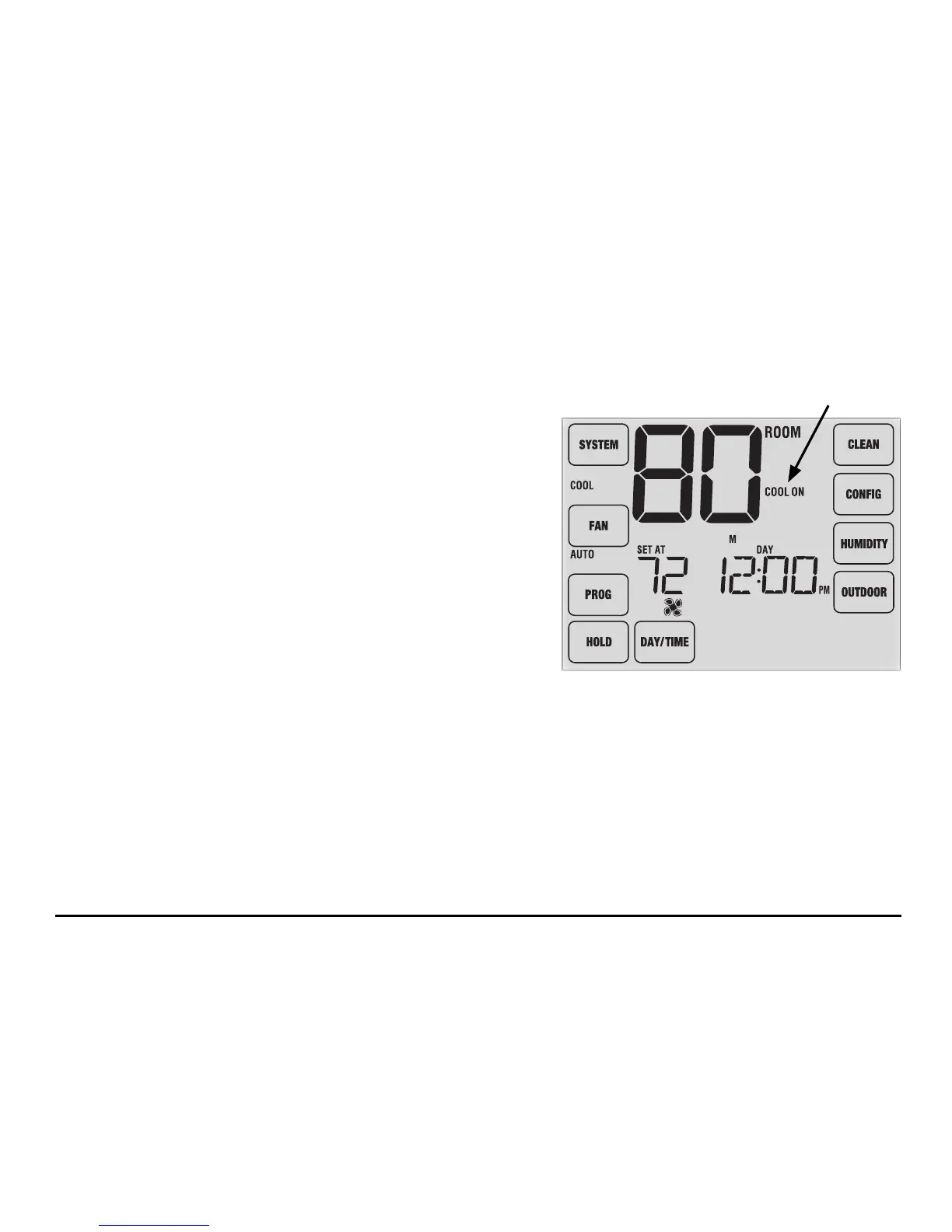
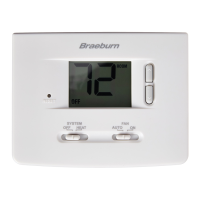
Status indicators appear in the display to let you know what part of your system is running.
HEAT ON Indicates that your heating system is running.
COOL ON Indicates that your cooling system is running.
AUX Indicates that the auxiliary stage of heating is running
(multi-stage systems only).
EMER
Indicates that the emergency heating system is running
(heat pump systems only).
CHECK Indicates that there is a potential problem with your
system. Contact a local service technician.
SERVICE Indicates a user selectable service reminder for changing a lter, UV air purier bulb or humidier
pad (See Service Monitors, page 10).
Status
Indicator



 To Next Page