5.4.5 Changing(SNMP(Settings(
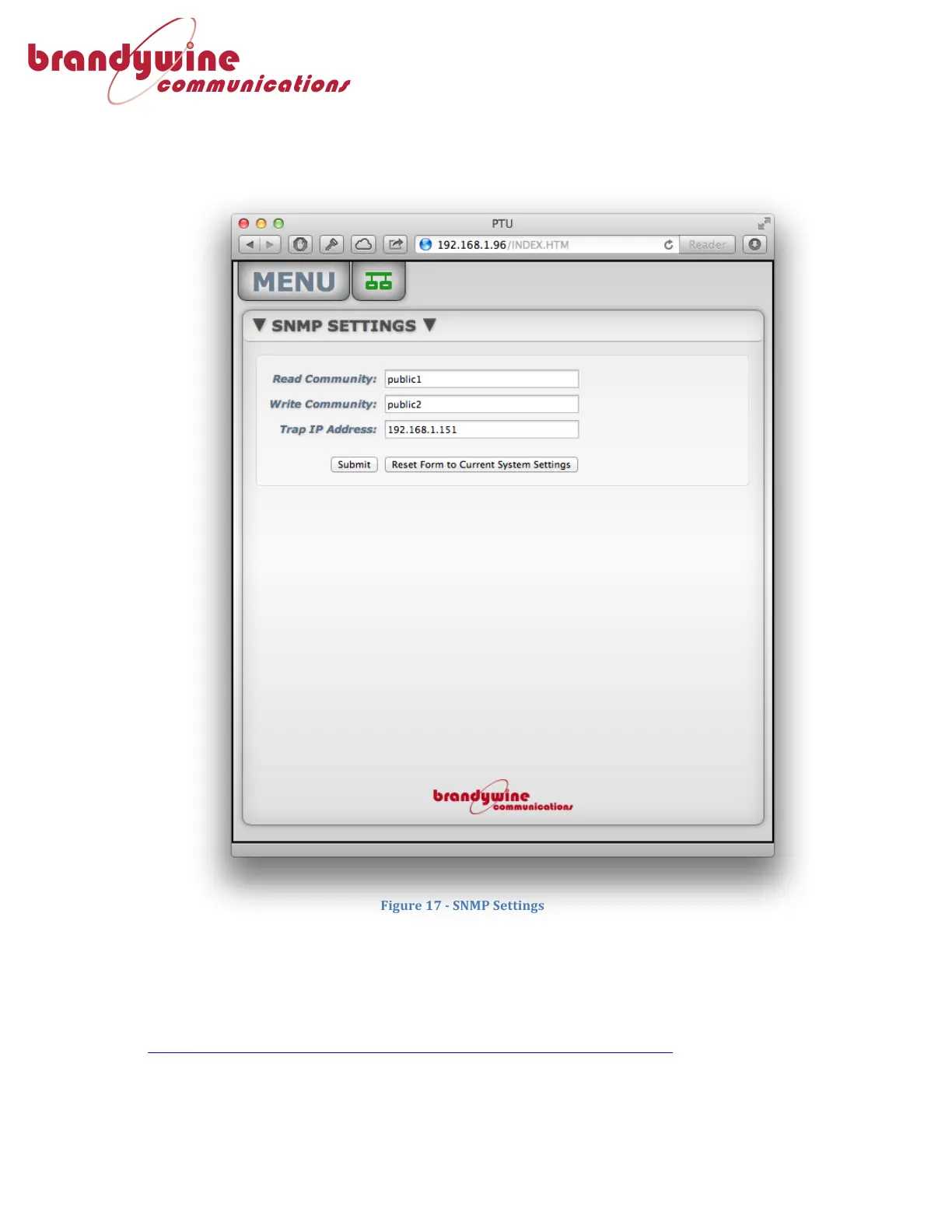
From!the!main!menu,!select!“SNMP”!from!the!settings!submenu.!!From!here!you!can!
set!the!Read!Community,!Write!Community,!and!Trap!IP!Address.!
5.4.5.1 Monitoring-the-PTU-using-SNMP-
To!monitor!the!PTU!via!Simple!Network!Management!Protocol!(SNMP),!you!will!
need!to!download!an!MIB!file!from!the!Support!Downloads!section!of!the!
Brandywine!Communications!website.!
(http://www.brandywinecomm.com/product-support/downloads)!!



 To Next Page