7
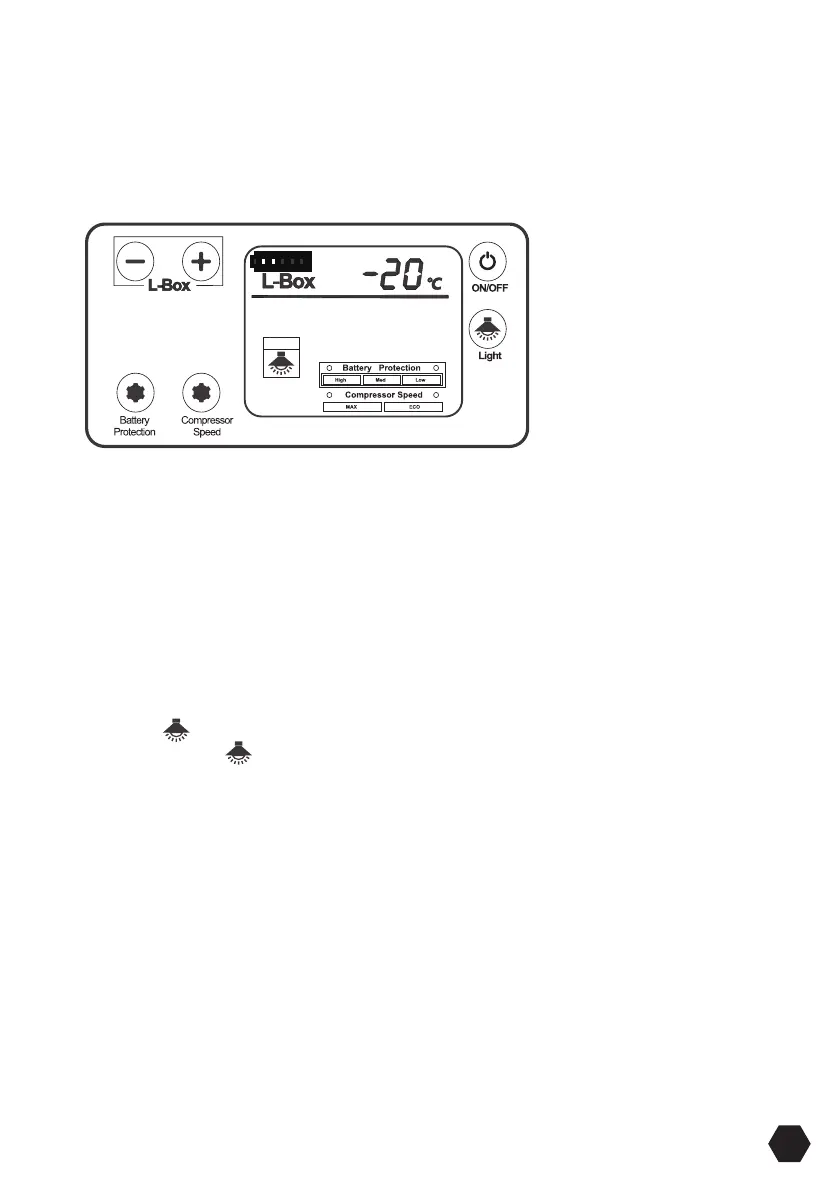
Press the + button or — button to adjust the temperature the unit aims to achieve.
Press the button to increase or the — button to decrease the temperature.
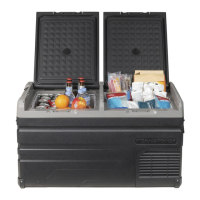
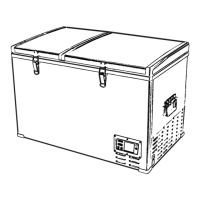
Press the left bin + button and — button at the same time to cut o the left bin cooling
(only right bin cooling).
Only set one temperature at a time.
Press the + button or — button to adjust the temperature the unit aims to achieve.
Press the + button to increase or the — button to decrease the temperature.
ON/OFF Power Button: Press ON/OFF button to turn the unit o, then press the ON/
OFF button to turn unit on.
If the power source is cut o or disconnected, the unit will switch o automatically and
once the power is restored it will automatically switch back on with the same settings.
Press the Compressor Speed button to set the speed of the compressor, Max (3000
RPM), MIN (2000 RPM) the LCD light will show which speed is selected.
Press the Battery Protection button to set the voltage the fridge cuts out at, LOW, MED
or HIGH. The LCD light will show which voltage is selected.
Press the button then the light of the left and right bin turn on and the LCD will
display, Press the button again, the light turn o; If you forget to turn o the right,
the light will turn o automatically in 3 minutes.
If the power supply is cut o, the refrigerator will switch on automatically when power
is returned.


 To Next Page