10
English
Our products are engineered to meet the
highest standards of quality, functionality
and design. We hope you thoroughly
enjoy your new Braun appliance.
Before Use
Please read instructions carefully and
completely before using the appliance.
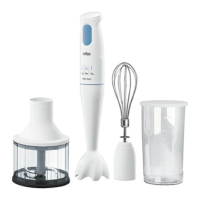
Parts and Accessories
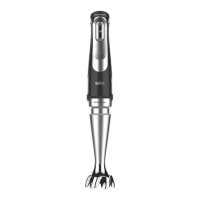
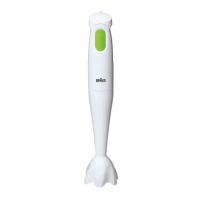
1 Safety button
2 Pilot light
3 Smart Speed switch
4 Comfort grip handle and motor part
housing
5 EasyClick release buttons
6 Blender shaft
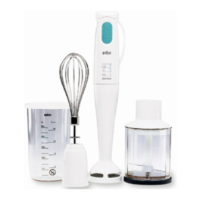
7 Beaker
8 Whisk accessory
a Gearbox
b Whisk
9 Puree accessory
a Gearbox
b Puree shaft
c Paddle
10 1.5-cup / 350 ml chopper accessory
«hc»
a Lid
b Chopping blade
c Chopper bowl
d Anti-slip rubber ring
11 2-cup / 500 ml chopper accessory
«ca»
a Lid (with gear)
b Chopping blade
c Chopper bowl
d Anti-slip rubber ring
12 6-cup / 1500 ml food processor
accessory «fp»
a Lid (with gear)
b Coupling for motor part
c Pusher
d Feed tube
e Lid interlock
f Food processor bowl
g Anti-slip rubber ring
h Chopping blade
i Insert holder
(i) Slicing insert
(ii) Shredding inserts (fine, coarse)
(iii) Julienne insert
j French fry disc
Clean all parts before using for the first
time – refer to «Care and Cleaning».
Unpacking
Take the unit out of the carton. Remove all
pieces of the packing. Remove any
possibly extant labels on the unit (do not
remove the rating plate).
Pilot Light
The pilot light (2) shows the status of the
appliance, when it is connected to an
electrical outlet.
Pilot light Appliance/Operating
status
Flashing red Appliance is ready for
use
Solid green Appliance is released
(switch release button is
pressed) and can be
switched on
How to Use the Appliance
Smart Speed Switch for
Variable Speeds
One squeeze, all speeds. The more you
press, the higher the speed. The higher
the speed, the faster and finer the blend-
ing and chopping results.
One handed operation: the Smart Speed
switch (3) allows you to turn on the appli-
ance and control the speed with one
hand.
5722112974 _MQ 725-727-735-777 USCA_S6-36.indd 105722112974 _MQ 725-727-735-777 USCA_S6-36.indd 10 07.12.17 11:0507.12.17 11:05




 To Next Page