6
Full manual and troubleshooting: braven.com/manuals
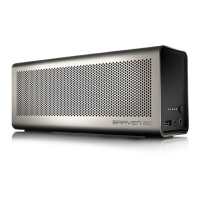
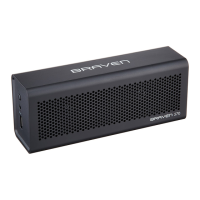
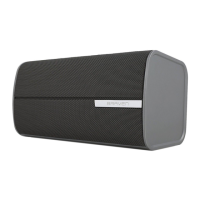
PAIR TWO 850/855S TOGETHER FOR EVEN BIGGER SOUND
Two BRAVEN 850 and/or 855s units can be
paired together for left and right stereo using
“TrueWireless” technology by following these
instructions precisely:
1. Disconnect all Bluetooth connections
(if any) on your cell phone, tablet, or other
Bluetooth source (hereafter “Phone/Tablet”)
and remove any previously paired 850/855s
from your phone/tablet.
2. Press and hold the Battery Check button
on both 850/855s for 5 seconds until you
hear a sonar sound from both speakers. Within 30
seconds, a second beep will indicate a True Wireless
connection between the 850/855s speakers.
3. Follow the regular procedure to Bluetooth pair
your phone or other Bluetooth device with either one
of your BRAVEN 850 and/or 855s units.
When you turn off either of the 850/855s speakers
while connected in True Wireless, both speakers will
turn off. To regain True Wireless, press the Power
Button on both 850/855s speakers within 5 seconds
of each other. Wait approximately 15 seconds. The



 To Next Page