EasyManua.ls Logo

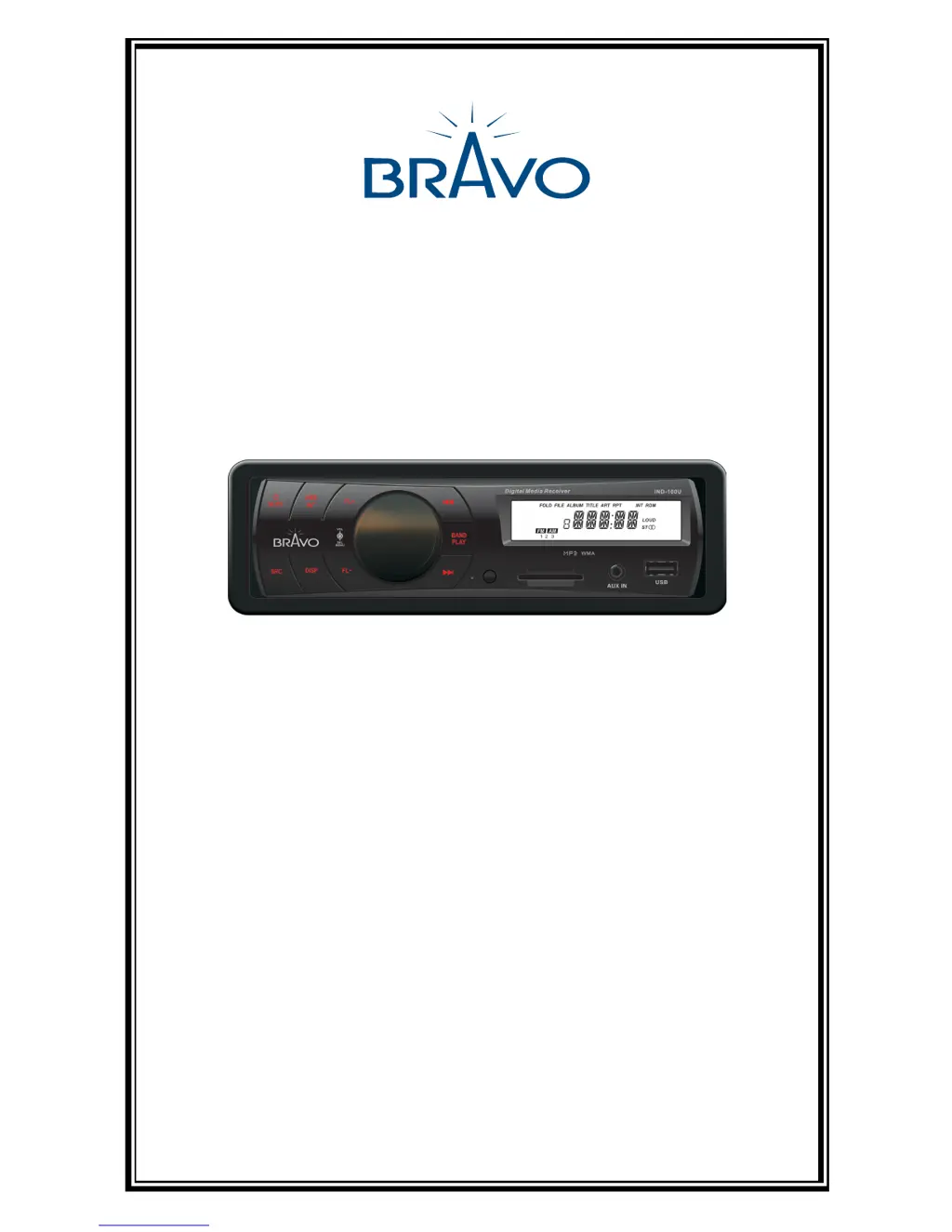
Bravo IND-100U - User Manual

Default Icon
16 pages
Print Icon
To Next Page IconTo Next Page
Loading...
USER MANUAL
V 1.0
Bravo View Technology
20153 Paseo Del Prado
Walnut, CA 91789
United States of America
909-869-0699
www.bravoview.com
Thank You for purchasing the
IND-100U
1-DIN DIGITAL MEDIA RECEIVER

Questions and Answers

Summary

Safety Precautions

Installation and Electrical Safety

Guidelines for correct power connection, fuse replacement, and avoiding electrical hazards during installation.

Operational and Environmental Safety

Advice on safe operating conditions, protecting the unit from elements, and responsible volume use.

Panel Controls

Front Panel Button Functions

Details the function of each button on the unit's front panel, including power, volume, source, tuning, and playback controls.

Remote Controls

Remote Control Functions

Details the functions of each button on the remote control unit, covering power, volume, playback, and mode selections.

General Operation

Power On;Off and Volume Adjustment

Instructions for turning the unit on/off and adjusting the volume level.

Media Playback

Menu Function and Settings

How to navigate and adjust various settings like DSP, Loudness, Beep, Seek, Stereo, Volume, and Time format.

Device Connections

Wiring Diagram and Pinout

Visual guide to wiring connections and pin assignments for the unit's ISO connector.

Installation Guide

Troubleshooting

General Unit Issues

Solutions for problems like the unit not switching on, no sound, or screen malfunction.

Limited Warranty Information

Warranty Coverage and Duration

Details on labor and parts warranty, coverage period, and exclusions.

Bravo IND-100U Specifications

General IconGeneral
BrandBravo
ModelIND-100U
CategoryCar Receiver
Frequency Response20Hz - 20kHz
Input Voltage12V DC
USB PortYes
BluetoothYes
Remote ControlYes

Related product manuals