EasyManua.ls Logo

BRAX X 1400 - User Manual

BRAX X 1400
12 pages
Print Icon
To Next Page IconTo Next Page
Loading...
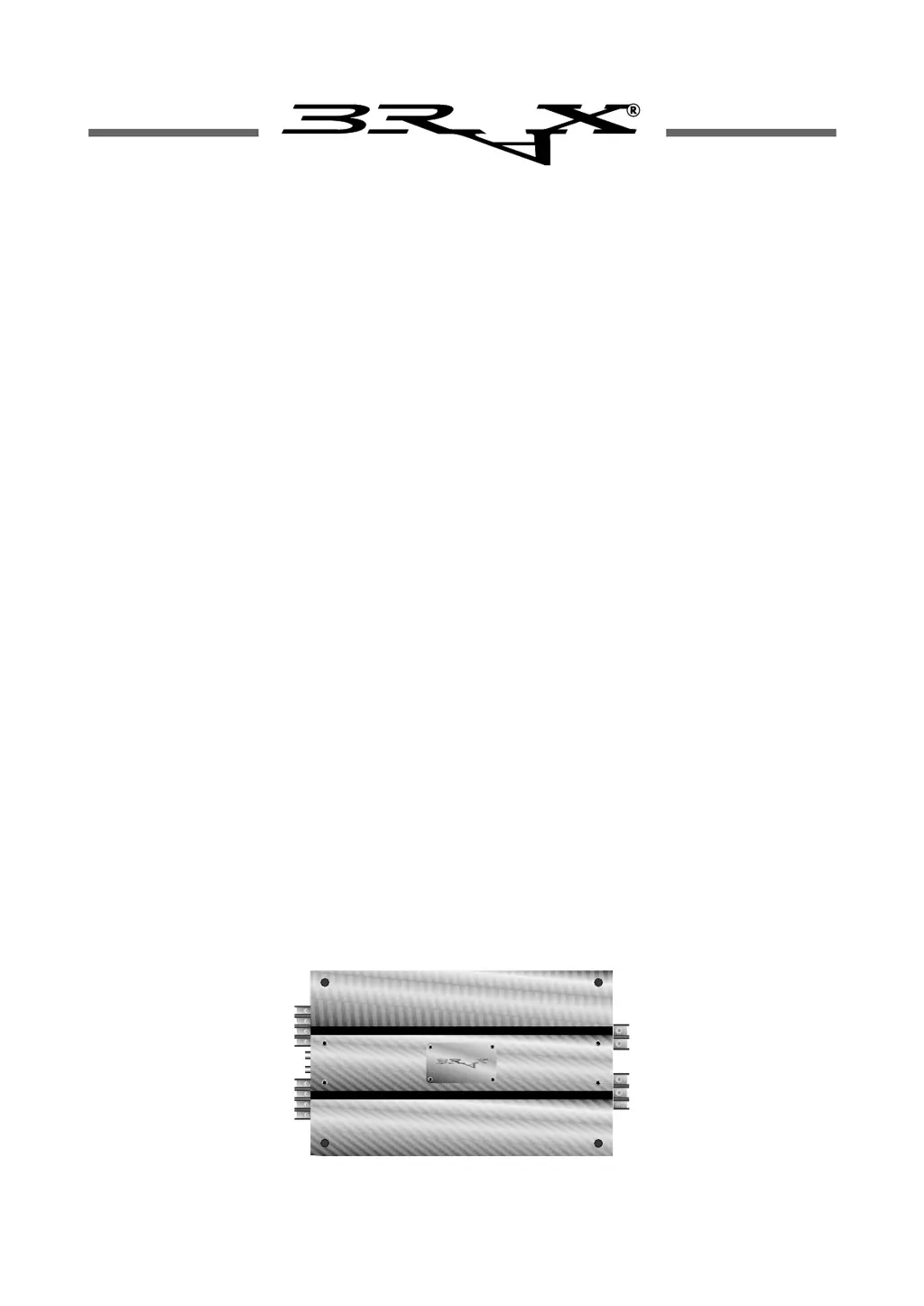
Instruction Manual
INNOVATIVE AUDIO PERFORMANCES
MADE IN GERMANY
X 1400
X 2400
4-Channel Amplifier

Questions and Answers

  • R
    Roger PayneAug 12, 2025
    What to do if my BRAX X 1400 has no sound but the LEDs are green?
    • J
      Jaime RussellAug 12, 2025
      If your BRAX Amplifier's LEDs are green but you hear no sound, several issues could be the cause. First, check the power supply fuses and cabling to ensure the 12-volt positive supply lead line isn't interrupted. Next, verify the amplifier is correctly connected to the vehicle's chassis metal. Also, confirm the power supply to the remote terminal isn't interrupted and that all cables are properly inserted or screw-fixed, including the cinch input cables and speaker connections. Check the wiring between the RCA terminal and the control unit, replacing it if necessary. Finally, ensure the Circuit Control Cards are properly inserted; reinstall or replace them if needed.
  • D
    Daniel JohnsonAug 22, 2025
    Why is there interference noise from the engine in my BRAX X 1400?
    • J
      Jonathan FriedmanAug 22, 2025
      Engine interference noise in your BRAX Amplifier can be caused by a few things. Check the cinch cable connections (screen/shield) for parasitics. If that's not the issue, the power supply cabling may have parasitics; consider replacing it with screened BRAX POWER TRAX cable. Another possibility is feedback interference from the chassis to the control unit. To resolve this, select an optimum central ground point for the entire power supply system, including the control unit.
  • H
    Howard ClarkAug 31, 2025
    What to do if only one channel is operating on my BRAX Amplifier?
    • M
      Mrs. Angela HarperAug 31, 2025
      If only one channel is working on your BRAX Amplifier, start by checking the wiring connections to both the control unit and the speaker, and try swapping the channels around. If the LED is red, the channel may have overheated; turn off the amplifier, let it cool, and then switch it back on. If the LED remains red, consult your dealer. A yellow LED indicates a faulty speaker wiring, so check the speaker wires and the speakers themselves for short-circuiting. Lastly, one of your speakers might be defective, in which case you should replace it.

BRAX X 1400 Specifications

X 1400

Power IconPower
continuous power rating at 4 Ohm per channel4 x 50 Watts
continuous power rating at 2 Ohm per channel4 x 100 Watts
continuous power bridged into a 4 Ohm load2 x 200 Watts
Audio Specifications IconAudio Specifications
total harmonic distortion (THD)< 0, 002%
signal to noise ratio> 105 dB
damping factor at 4 Ohms> 400
Frequency and Sensitivity IconFrequency and Sensitivity
frequency response20 Hz - 20 kHz, +/- 0, 2 dB
TIM distortion< 0, 016 %
input sensitivity180 mV - 4, 8 V
Physical Characteristics IconPhysical Characteristics
dimensions (H x W x D)53 x 238 x 470 mm
weight net7, 4 kg
external fuse size60 A

X 2400

Power IconPower
continuous power rating at 4 Ohm per channel4 x 100 Watts
continuous power rating at 2 Ohm per channel4 x 200 Watts
continuous power bridged into a 4 Ohm load2 x 400 Watts
Audio Specifications IconAudio Specifications
total harmonic distortion (THD)< 0, 002%
signal to noise ratio> 105 dB
damping factor at 4 Ohms> 400
Frequency and Sensitivity IconFrequency and Sensitivity
frequency response20 Hz - 20 kHz, +/- 0, 2 dB
TIM distortion< 0, 014 %
input sensitivity180 mV - 4, 8 V
Physical Characteristics IconPhysical Characteristics
dimensions (H x W x D)53 x 238 x 470 mm
weight net7, 6 kg
external fuse size100 A

Related product manuals