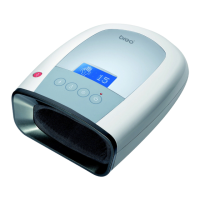
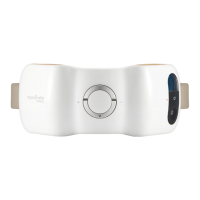
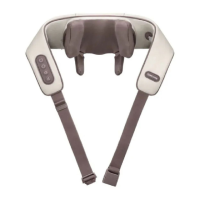
Function Deployment
4
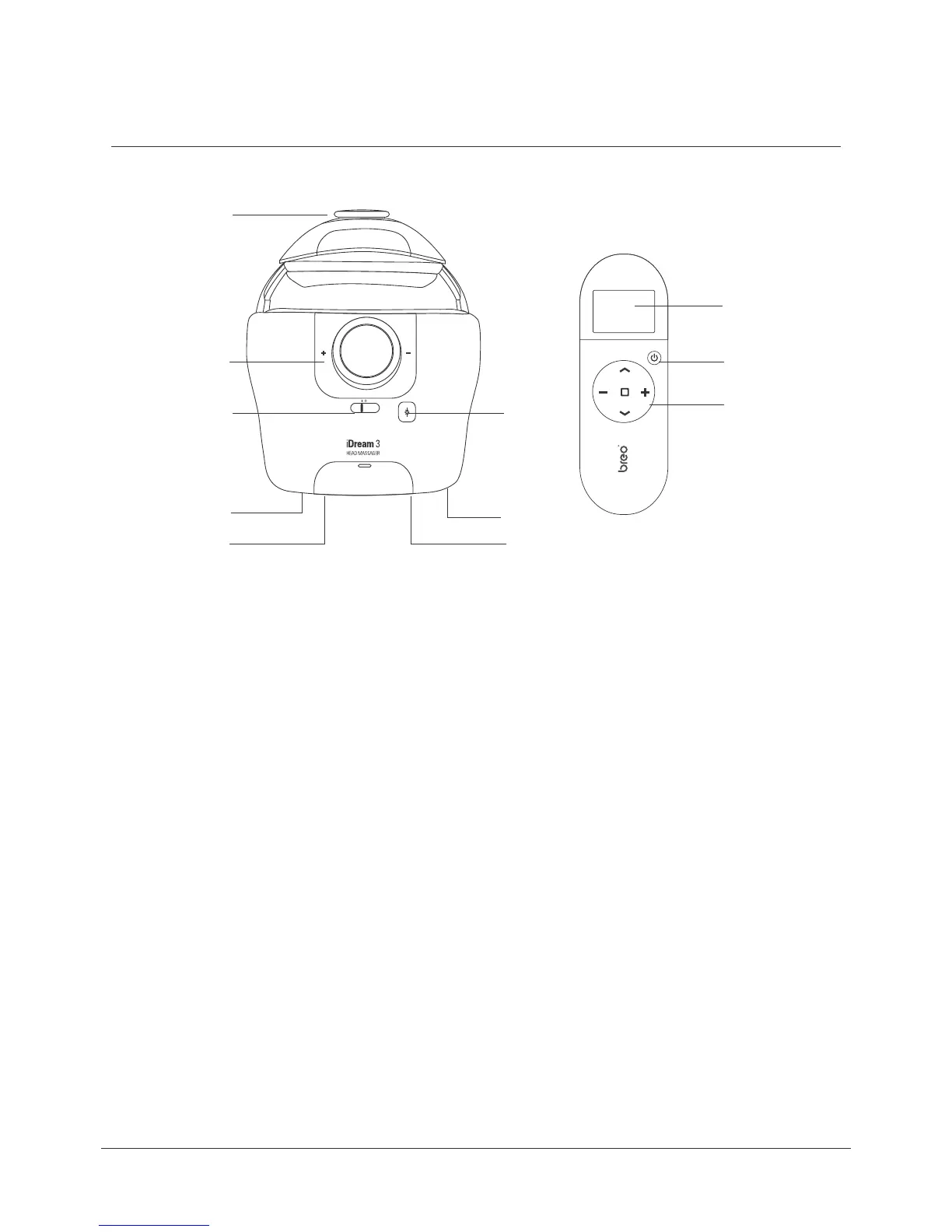
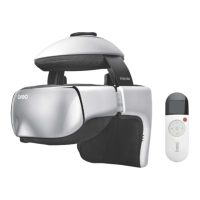
Main Unit and Remote Control
11.
10. 2.
1.
3.
7. 4.
8.
6. 5.
9.
LCD Screen
ON/Off
Operating Buttons
Air discharge
DC power interface
Earphone Jack
Power Switch Protection key
Encoding Key
USB Port
Size Adjusting Knob
Tightness Adjusting Knob
1.
2.
3.
4.
5.
6.
7.
8.
9.
10.
11.
Pressure Reduction Valve
DC Power Port
LCD Screen:From top to bottom: Time / Air Pressure / Vibration / Hot Compress / Music
Operating Button: Clockwise:
Up Button / Function Mode Next / Down Button / Function Mode Previous
Center: OK Button
Power switch protection key: Push left or right to turn ON/OFF
MUST push power switch to Level “O” after each use


 To Next Page