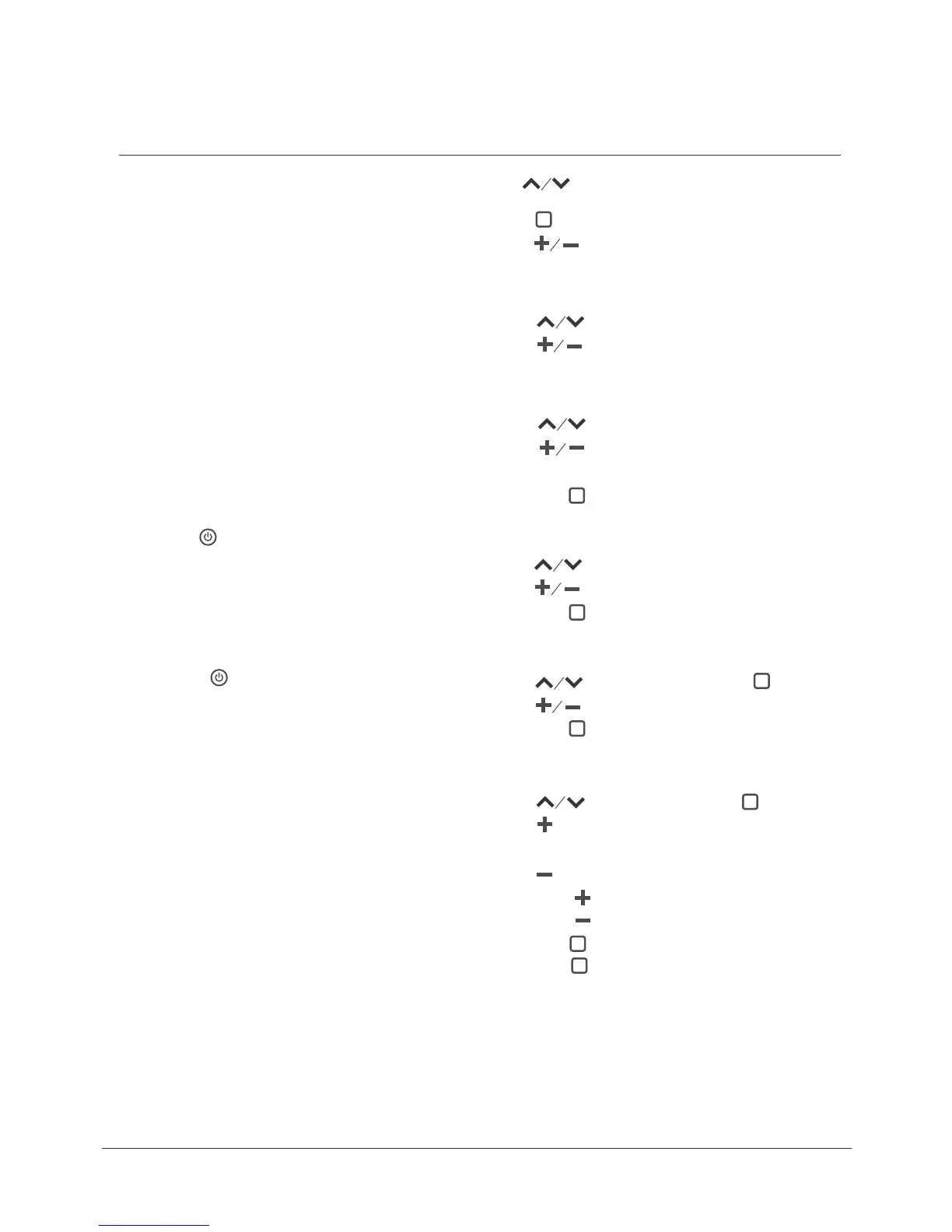
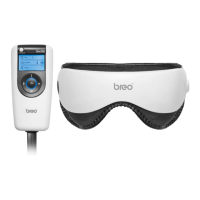
Manually operate related buttons to select air pressure mode, vibration mode,
hot compress temperature, change music and/or massage duration.
Time
— Press Button to select “Time”
— Press Button to select massage duration
15 minutes/10 minutes/5 minutes
Press Button to choose
— Press Button to turn on/off a function
— Press Button to select air pressure mode, vibration mode, hot
compress temperature, change music and/or massage duration
among functions
(Time, Air Pressure, Vibration, Heat, and Music)
Vibration
— Press Button to select “Vibration”,then Press Button
— Press Button to select from the 5 different modes of vibration
—Off/On: Press Button to turn off/on Vibration
Heat compression
— Press
Button to select “Heat Compression”
— Press Button to select low temperature or high temperature
— Off/On: Press Button to turn off/on Heat Compression
Air pressure
— Press Button to select “ Air Pressure”
— Press Button to select from the 5 different modes of air pressure
(Preset Default: Mode 5 – circulates among Modes 1 to 4)
— Off/On: Press Button to turn off/on Air Pressure
Music
— Press Button to select “Music”,then Press Button
— Press Button to go to the next one
(Preset Default – circulates among pre-recorded music)
— Press Button to go to the previous one
— Press and hold Button: Volume up
— Press and hold Button: Volume down
— Off/On: Press Button to turn off/on Music
— Press and hold Button to switch over between built-in music and MP3
music
Automatic Mode (without remote control)
1.
2.
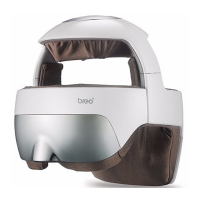
Power ON – Push the ON/OFF switch on the main unit to Level “I” (Picture2)
No need of remote control. The main unit starts working after 8 seconds.
Preset default is air pressure + heat compression + music + 15 minutes
duration.
Power OFF – The main unit automatically shuts off after 15 minutes.
Push the ON/OFF switch on the main unit to Level “O”.
Power On/Off
1.
2.
3.
4.
Power ON: Push the ON/OFF switch on the main unit to Level “I” (Picture2)
The main unit is powered by a high performance, environment-friendly lithium
battery.
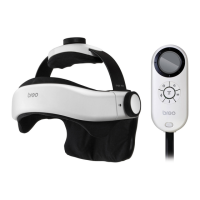
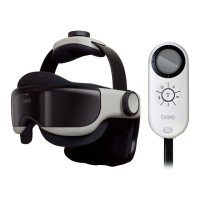
Press and hold Button on the remote control
Preset default is air pressure + heat compression + music + 15 minutes
duration
Default air pressure: Mode 5 – circulates among Modes 1 to 4;
Default hot compress: low temperature;
Default Music: Well-being music
Power OFF: Press Button on the remote control.
Push the ON/OFF switch on the main unit to Level “O”
Power On/Off
Operation
Manual Mode (using the remote control)
8
Attention:
When you feel the air pressure is too much and/or uncomfortable, press the
Pressure Reduction Valve on the main unit to release air.


 To Next Page