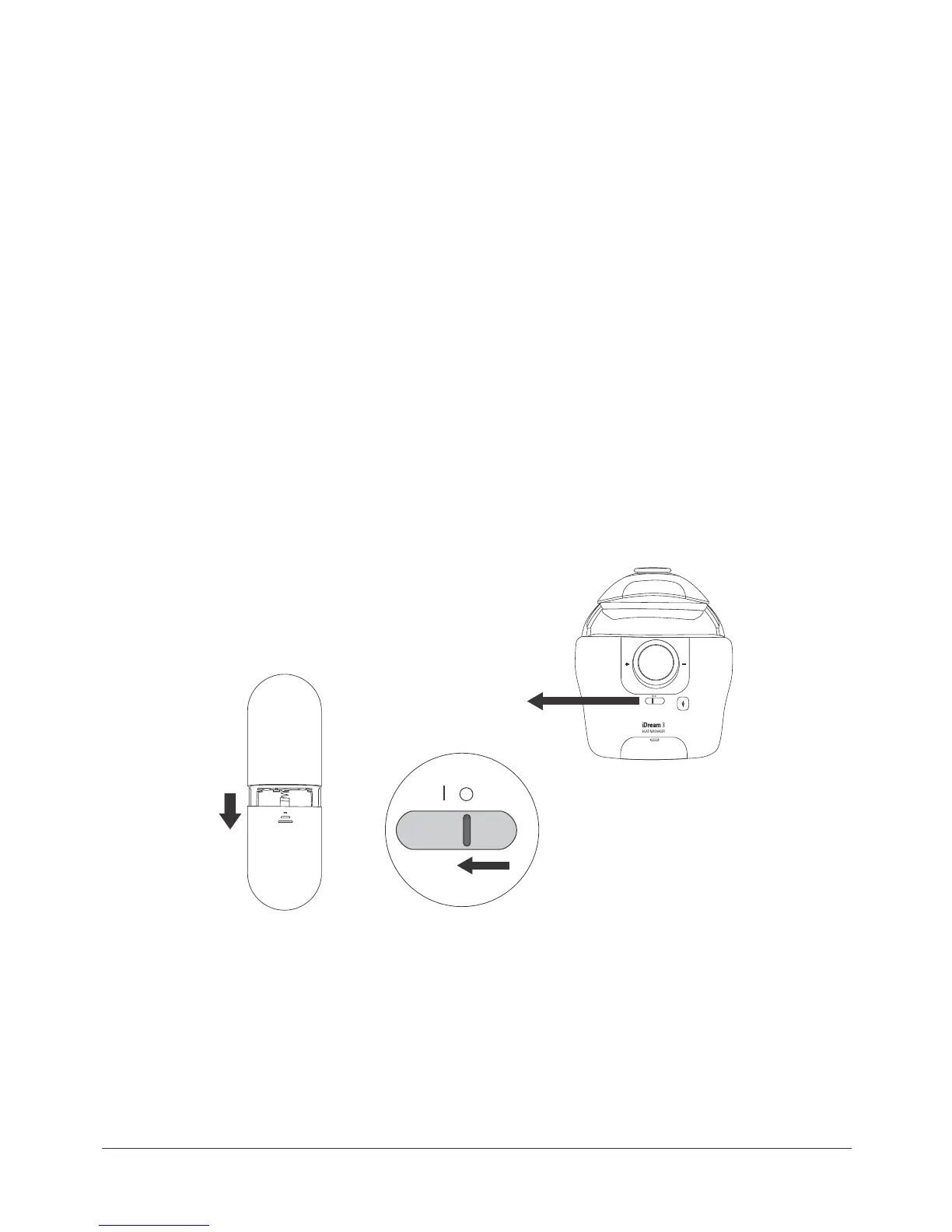
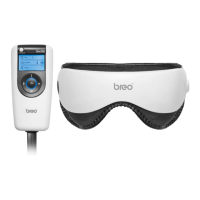
Open the battery cover on the back of the remote control.
Place 3 AAA batteries in accordance with the positive and negative poles.
Close the battery cover. (Picture1)
1.
2.
3.
Connect the main unit to computer using the supplied USB cable;
Push the power protection key on the main unit to Level “1”.
Copy MP3 music to the device.
1.
2.
3.
Use the back dial to adjust the distance between head to establish the most comfortable fit,
and wear main unit.
Use the top dial in setting the distance above head.
1.
2.
(picture 1)
to Level “I”
(picture 2)
Wear
Power On
Music Downloading
7


 To Next Page