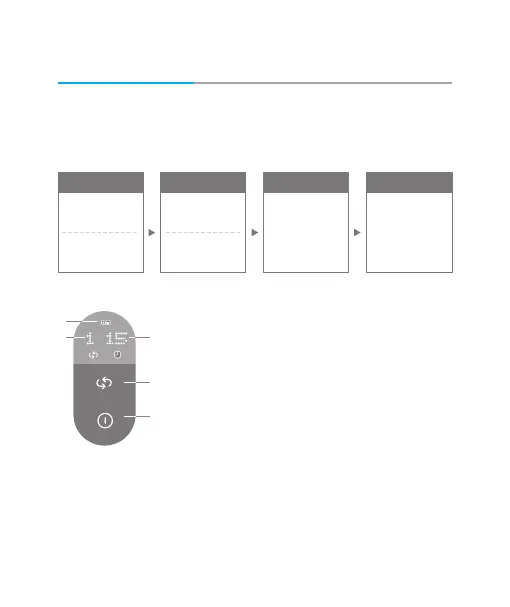
If you short-press the Select Mode button, mode will change
in a preset sequence. 4modes are available.
Mode selection
If you long-press the Power ON/OFF button, the Product will be
deactivated while the LED indicator is turned off. (When the set time
elapses, the Product will be automatically turned off.)
How to Use
Optimal effects can be achieved when you regularly use the Product. It is
highly recommended to use the Product twice, 15 minutes each.
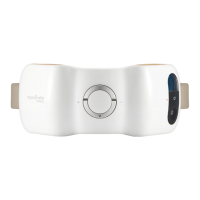
Left cheek
Clockwise
rotation
Right cheek
Counterclockwise
rotation
Left cheek
Counterclockwise
rotation
Right cheek
Clockwise
rotation
Both cheeks
Counterclockwise
rotation
Both cheeks
Clockwise
rotation
Mode 2 Mode 3 Mode 4Mode 1
Power OFF
1. Battery Level
2. Mode (1, 2, 3, 4)
3. Time (5 minutes, 10 minutes, 15 minutes)
4. Select Mode Button
5. Power ON/OFF Button
If you short-press the Power ON/OFF button,
time will change in a preset sequence
(5 minutes, 10 minutes, 15 minutes), and the time
will be displayed on the LCD display window.
1.
2.
3.
4.
5.
35


 To Next Page