EasyManua.ls Logo

Bresser 70-02510 - User Manual

Bresser 70-02510
12 pages
Print Icon
To Next Page IconTo Next Page
Loading...
GB
INSTRUCTION MANUAL
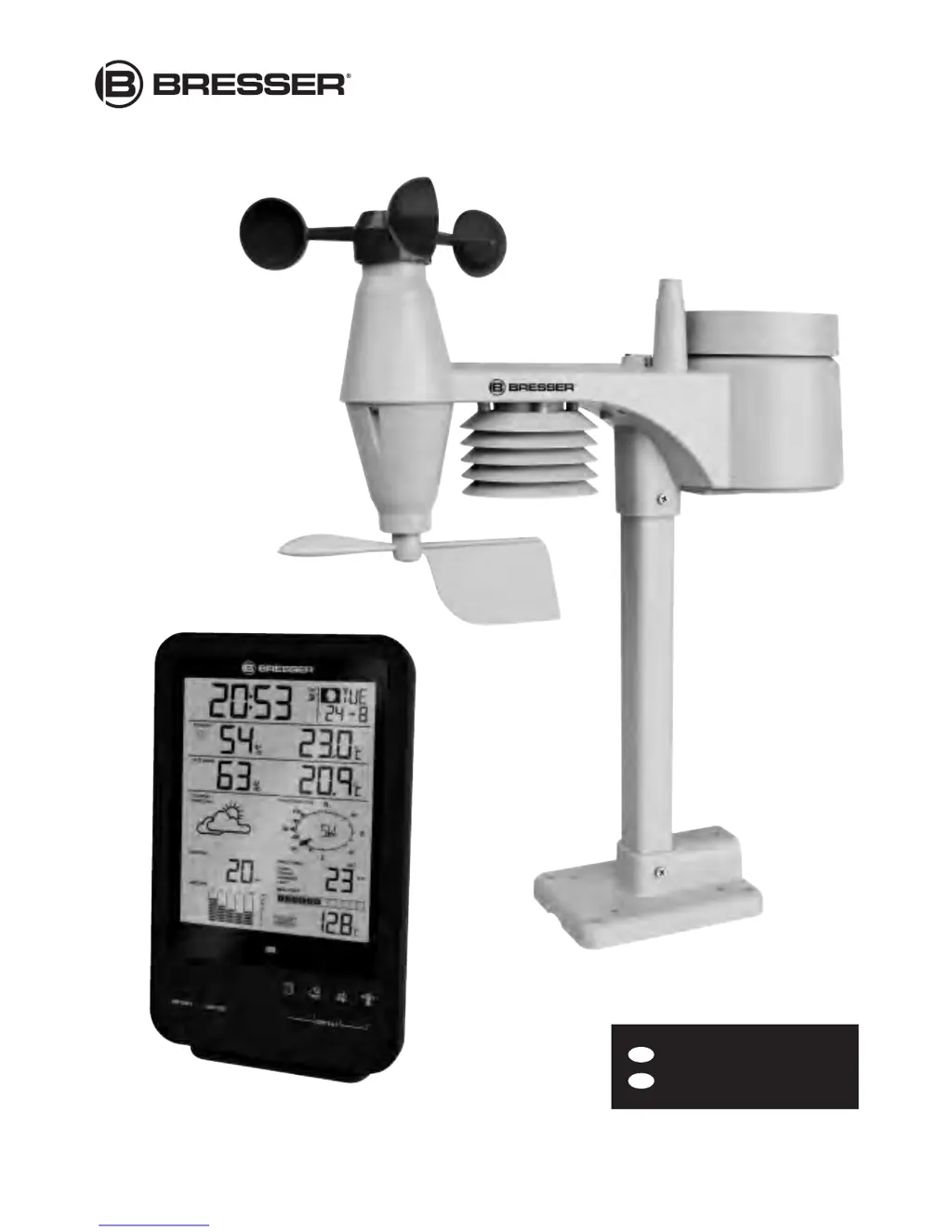
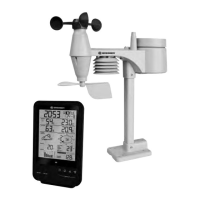
Weather Center 5-in-1
Art. No. 70-02510

Questions and Answers

  • B
    Becky CrawfordJul 31, 2025
    What to do if my Bresser 70-02510 shows '---' (no signal)?
    • A
      Amber ValenzuelaAug 1, 2025
      If your Bresser Weather Station displays '---', indicating no signal for 15 minutes, try these steps: 1. Move the main unit and the 5-in-1 sensor closer to each other. 2. Ensure the main unit is away from electronic devices like TVs, computers, and microwaves that might interfere with wireless communication. 3. If the issue persists, reset both the main unit and the 5-in-1 sensor.
  • E
    Erin RhodesAug 17, 2025
    How to fix strange rain sensor measurements on Bresser 70-02510 Weather Station?
    • A
      Andrew VasquezAug 17, 2025
      If you notice strange or no measurements from the rain sensor of your Bresser Weather Station: 1. Check the drain hole in the rain collector and clean it if necessary. 2. Check the circular level and realign the device if needed.

Summary

Safety and Component Details

Safety Precautions

Covers choking, electric shock, chemical burn, and fire/explosion hazards.

Scope of Delivery and Parts

Lists package contents and identifies main unit/sensor components.

Main Unit Display Features

Time, Calendar, Moon Phases

Explains display elements for time, date, and moon phases.

Weather and Sensor Data

Details climate, forecast, barometer, rainfall, and wind readings.

Before You Start

Installation Guide

Steps for installing the remote sensor and main station.

Troubleshooting and Maintenance

Troubleshooting Common Issues

Solutions for common problems with sensors and measurements.

Bresser 70-02510 Specifications

General IconGeneral
TypeWeather Station
Model70-02510
BrandBresser
DisplayLCD
Indoor temperatureYes
Outdoor temperatureYes
Radio controlled clockYes
Outdoor Sensor Channels3
Power Supply (Sensor)Batteries
Data StorageNo
Weather ForecastYes
PC ConnectivityNo
Measured ValuesTemperature, humidity
Power Supply (Display)Batteries
AlarmsTemperature

Related product manuals