5
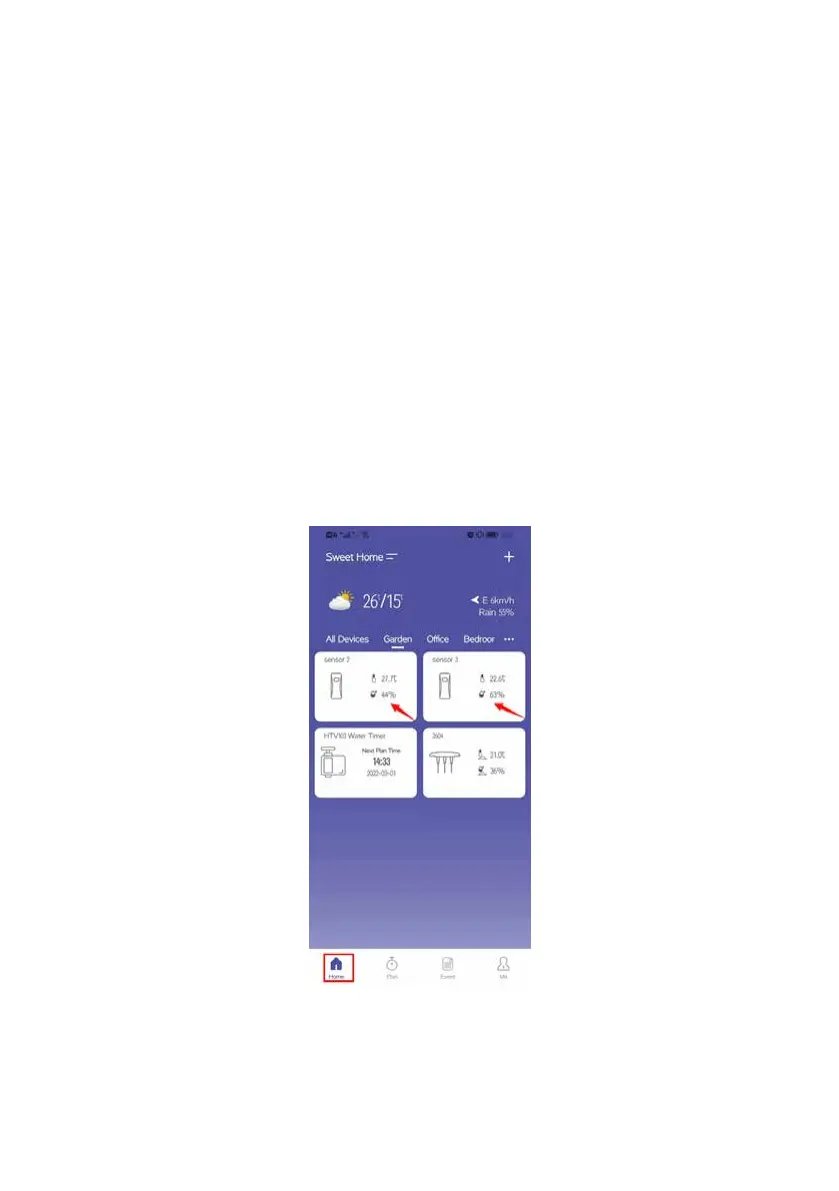
Home Management: Set home name, location and other information to manage your home
environment monitoring system more intelligent and accurate.
All Devices: All added devices will display here .
Room System Management:
Related devices list of each room will be displayed here.
Weather Date: After setting the location of the home, the corresponding weather data will be displayed.
Add Devices: Add the HOMGAR series devices to start setup your smart home system.
Home: Your home page.
Plan: Displays all of your irrigation plans.
Event: The history events will be displayed here.
Me: Manage account, family, set APP language and other operations.
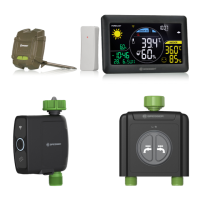
Notes: After the weather station gateway and its sub-devices are connected with the APP, the
device will be displayed on your home page. You can click the page list to enter related
device page, and set relevant programs on the page.



 To Next Page