8
KNOW YOUR BREVILLE PRODUCT
KNOW YOUR BREVILLE PRODUCT
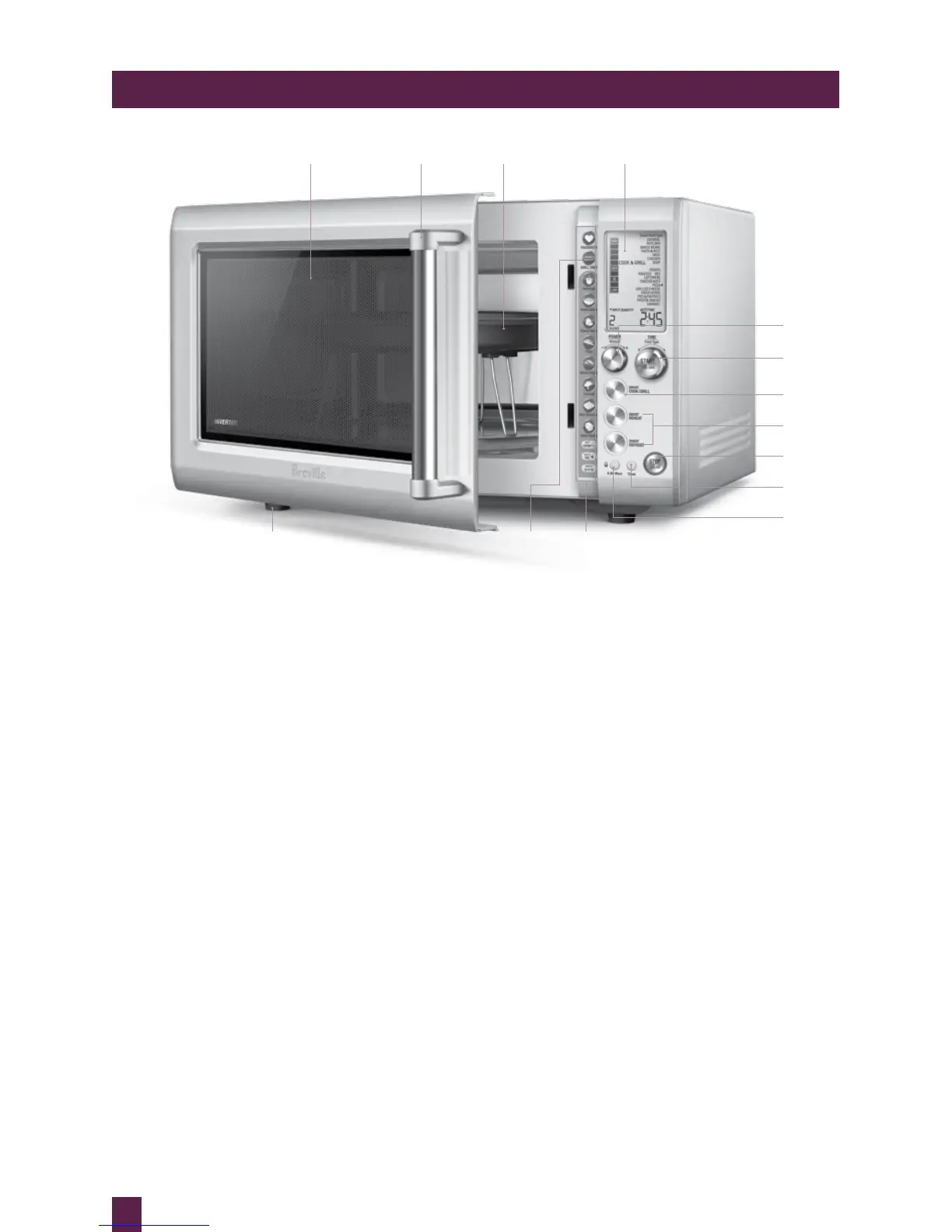
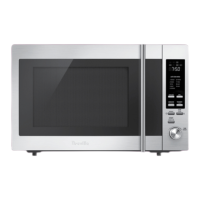
A. Viewing window
B. Door handle
Pull handle to open.
C. Crisper pan
D. LCD screen
E. POWER/AMOUNT dial
Turn dial to adjust the power level,
weight & quantity that corresponds
with the food type selected.
F. +30 INSTANT START BUTTON &
START/ FOOD TYPE/ TIME dial
Each press adds 30 second increments
at 100% power. Turn dial to select food
type or time.
G. SMART COOK & GRILL BUTTON
Select from a range of food types with
predetermined microwave and grill
times.
H. SMART REHEAT & DEFROST buttons
Allow you to choose from a range of
common food types with predetermined
times and power levels for selected
weights.
A B C
M
D
LN
F
H
I
K
J
E
I. STOP/CLEAR button
Press once to pause without cancelling the
program. Press twice to clear the display.
J. TIMER button
A convenient kitchen timer that works
independently. Easy to access and read
while completing other kitchen tasks.
K. A BIT MORE™ button & CHILD LOCK
Press once to add A BIT MORE™ time at
the end of the cooking cycle. Press and
hold for 3 seconds to set child lock.
L. Shortcuts panel
Refer to operation section for
detailed explanation.
M. INDEPENDENT GRILL FUNCTION
1000 watt grill element can be used at
anytime to brown and crisp food for added
flavour and texture.
N. Non-slip feet
G



 To Next Page