EasyManua.ls Logo

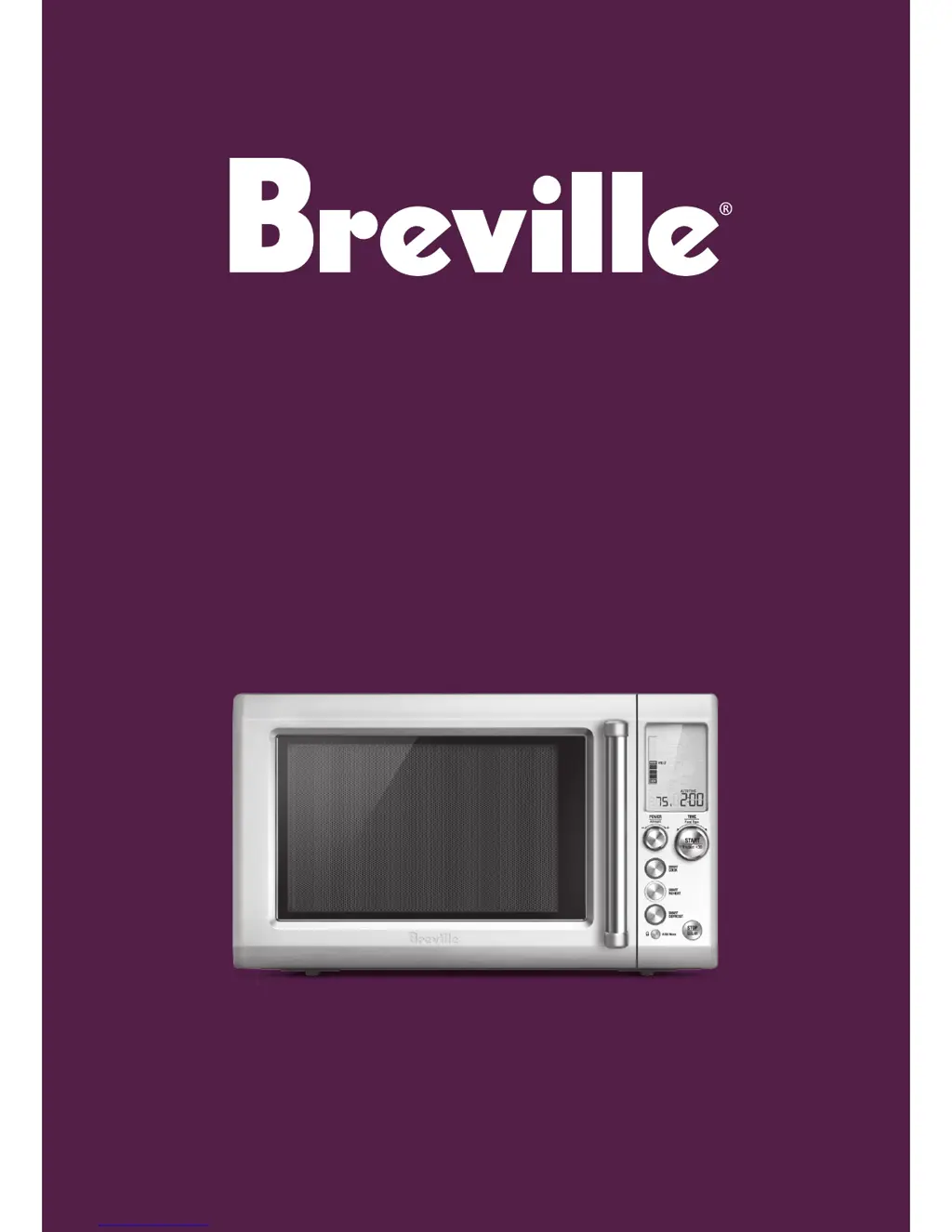
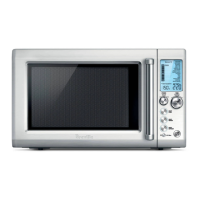
Breville Quick Touch BMO735 - User Manual

Breville Quick Touch BMO735
56 pages
Print Icon
To Next Page IconTo Next Page
Loading...
Suits all BMO735 models
the Quick Touch
Instruction Booklet

Questions and Answers

  • K
    kwhiteheadJul 30, 2025
    What to do if my Breville Quick Touch BMO735 will not start?
    • C
      crichardsonJul 30, 2025
      If your Breville Microwave Oven won't start, check these potential causes: * Ensure the power cord is properly plugged in and switched on. * Inspect the fuse and replace it if blown, or reset the circuit breaker. * Have a qualified professional check the outlet for any faults.
  • C
    Catherine LynchAug 3, 2025
    What to do if LCD shows 0 or 1 on Breville Microwave Oven?
    • R
      Rick RichmondAug 3, 2025
      If the LCD time digit stays at 0, send the Breville Microwave Oven back to repair as 0 indicates the Sensor IQ transducer is not OK. If the LCD time digit stays at 1, press STOP/Clear to set the unit back to default mode, as 1 indicates the Sensor IQ transducer is OK.
  • J
    Jacqueline CarlsonAug 7, 2025
    How to fix a noisy glass turntable in Breville Microwave Oven?
    • J
      James WellsAug 8, 2025
      If the glass turntable in your Breville Microwave Oven is noisy during operation, the turntable roller may not be assembled correctly or might need cleaning. Try resetting it and cleaning if necessary.
  • J
    James MooreAug 11, 2025
    Why is steam accumulating on the door of my Breville Microwave Oven?
    • A
      Amber BernardAug 12, 2025
      During operation of the Breville Microwave Oven, steam may be produced. Most of it should exit through the vents; however, some steam might accumulate around the oven door. This is normal.
  • G
    garciaantonioAug 16, 2025
    Why does my Breville Quick Touch BMO735 Microwave Oven interfere with TV reception?
    • J
      Jennifer FigueroaAug 16, 2025
      Radio and TV reception may be interfered with during Breville Microwave Oven operation. This interference is similar to what is sometimes caused by vacuums and blenders.
  • J
    Joseph WebbAug 20, 2025
    Why does my Breville Quick Touch BMO735 Microwave Oven LCD show EA1A then V1:00?
    • C
      Christopher HolmesAug 20, 2025
      When the LCD shows EA1A then V1:00 or similar information then goes to default mode on Breville Microwave Oven, no action is required. This is normal and the LCD just shows the model type and software version, which occurs when both the STOP/Clear & SMART COOK buttons are pressed at the same time under the default mode.
  • N
    nathanielwhiteAug 25, 2025
    Why is the light dim in my Breville Quick Touch BMO735 Microwave Oven?
    • J
      julie70Aug 26, 2025
      When operating on low power levels, the Breville Microwave Oven light may appear dimmer. This is normal.

Summary

Breville Microwave Safety Guidelines

General Electrical Safety Precautions

Essential safeguards for all electrical appliances, including proper cord handling and usage.

Microwave Oven Specific Safety

Crucial safety guidelines for operating the microwave, covering cavity, door, and materials.

Understanding Your Breville Product

Product Components and Controls

Identification and description of the microwave's viewing window, display, and control panel buttons.

Operating Your Breville Microwave

Smart Cook Functions

Smart Cook Overview and Usage

Using the automatic Smart Cook function for guesswork-free cooking.

Smart Reheat and Defrost

Smart Reheat Guide

Reheating various food types gently without drying or overcooking.

Smart Defrost Guide

Gentle defrosting of foods without overheating or drying edges.

Advanced Microwave Features

Sensor IQ Operation

Automatic cooking and reheating based on humidity detection.

Care and Maintenance

Troubleshooting and Service Checks

Basic checks before calling for service and common issues.

Troubleshooting Guide

Breville Quick Touch BMO735 Specifications

General IconGeneral
BrandBreville
ModelQuick Touch BMO735
CategoryMicrowave Oven
LanguageEnglish

Related product manuals