11
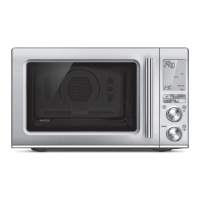
KNOW YOUR BREVILLE PRODUCT
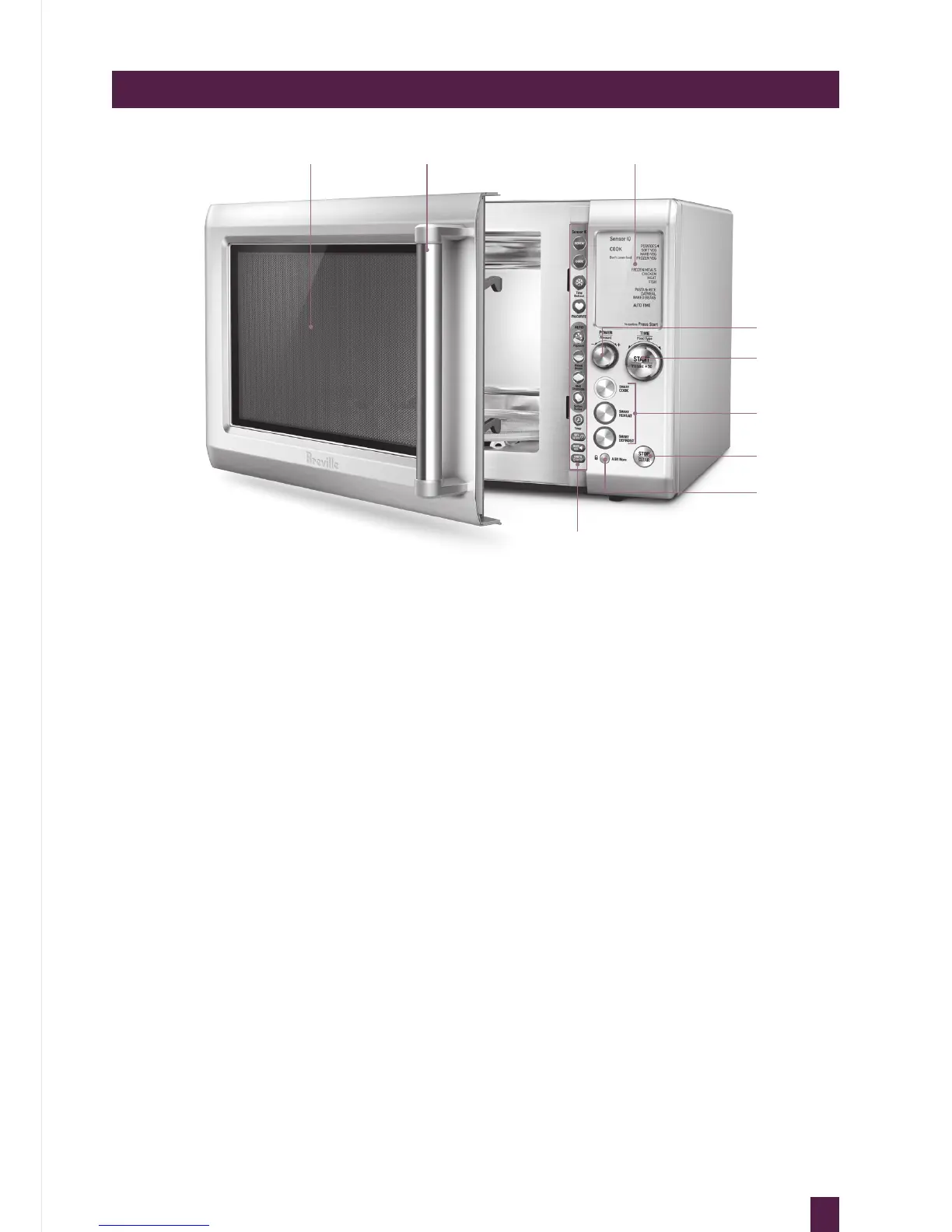
A. Viewing window
B. Door handle
Pull handle to open.
C. LCD display
D. POWER/AMOUNT dial
Turn dial to adjust the power level,
weight & quantity that corresponds
with the food type selected.
E. +30 INSTANT START BUTTON &
START/ FOOD TYPE/ TIME dial
Each press adds 30 second increments
at 100% power. Turn dial to select food type
or time.
A B C
I
E
F
G
H
D
F. SMART COOK, REHEAT & DEFROST
buttons
Allows you to choose from a range of
common food types with predetermined
times and power levels for selected
weights.
G. STOP/CLEAR button
Press once to pause without cancelling the
program. Press twice to clear the display.
H. A BIT MORE™ button & CHILD LOCK
Press once to add A BIT MORE™ time at
the end of the cooking cycle. Press and
hold for 3 seconds to set child lock.
I. Short cuts panel
Refer to operation section for
detailed explanation.



 To Next Page