19
OPERATING YOUR BREVILLE PRODUCTOPERATING YOUR BREVILLE PRODUCT
CHANGING THE ‘READY’
SIGNAL VOLUME
The volume of the ‘Ready’ signal can
be changed to suit your preference.
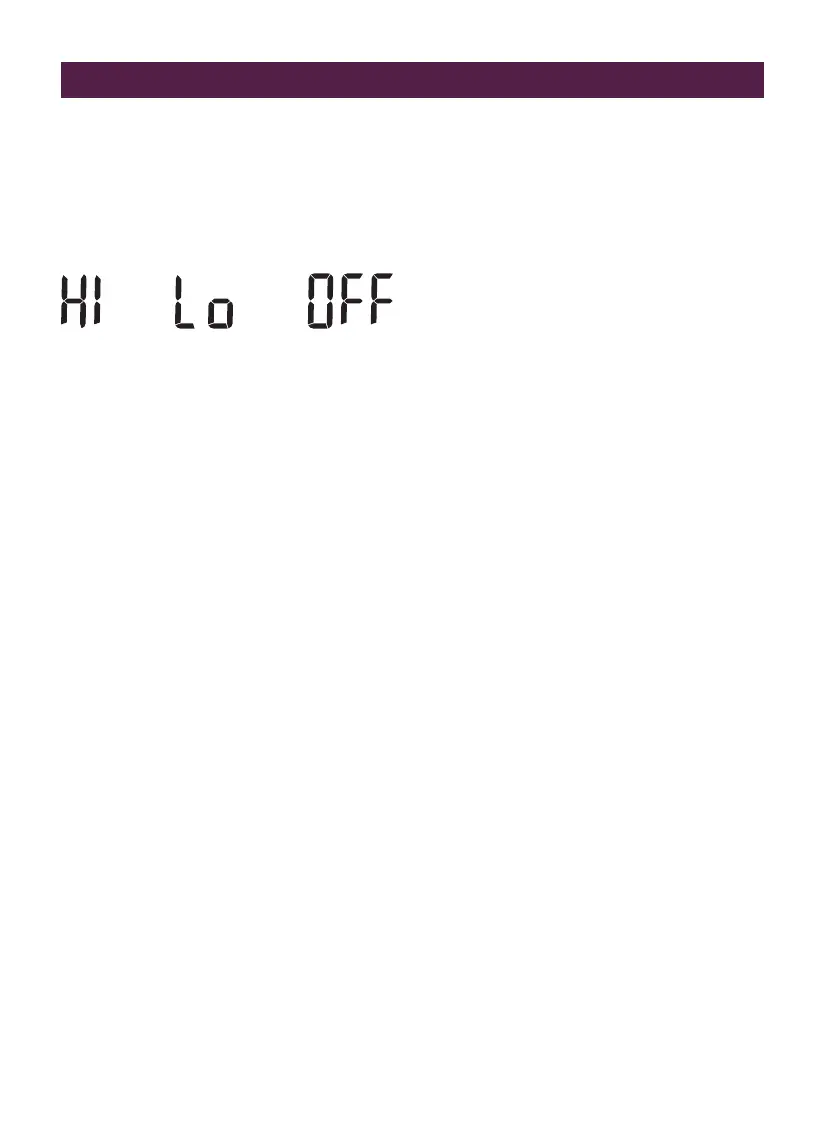
There are 3 options:
1. Press the MENU|EXIT button.
2. Rotate the STRENGTH dial to SOUND.
3. Press the STRENGTH dial to select
SOUND.
4. SOUND and the current setting will be
displayed, flashing.
5. Rotate the STRENGTH to select your
setting.
6. Press the STRENGTH dial to confirm.
The machine will beep to confirm.
7. LCD will return to the main screen.
MANUAL STANDBY MODE
Press and hold Exit/Menu button for 2 seconds
to activate standby mode.
BDC650BSS_USC_IB_E20_FA.indd 19 24/1/20 9:41 am






 To Next Page