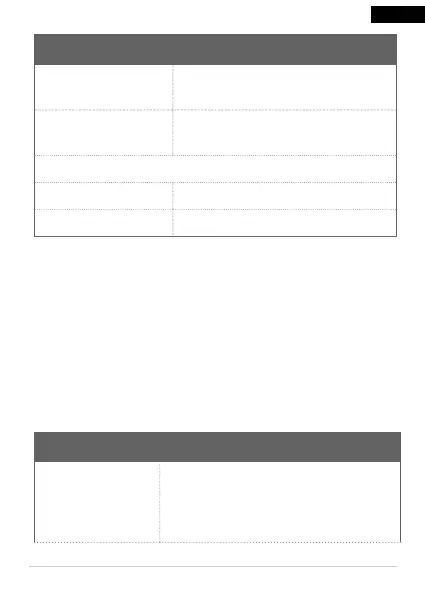
LED light Status
Flashing BLUE light
The product is currently
connecting.
Constant BLUE light
Product is connected to the
network and operating correctly.
Battery
Constant RED light The battery is charging.
Constant Blue light The battery is fully charged.
4 Storage
● Store the product in a dry, frost-free area out of direct
sunlight.
5 Maintenance
● Clean the product if needed using a damp cloth.
6 Troubleshooting
Problem Action
The product
cannot be
detected.
Make sure the network is operating
correctly, put the product close to the
router. If the problem persist reset the
product and add it again.
23
EN


 To Next Page