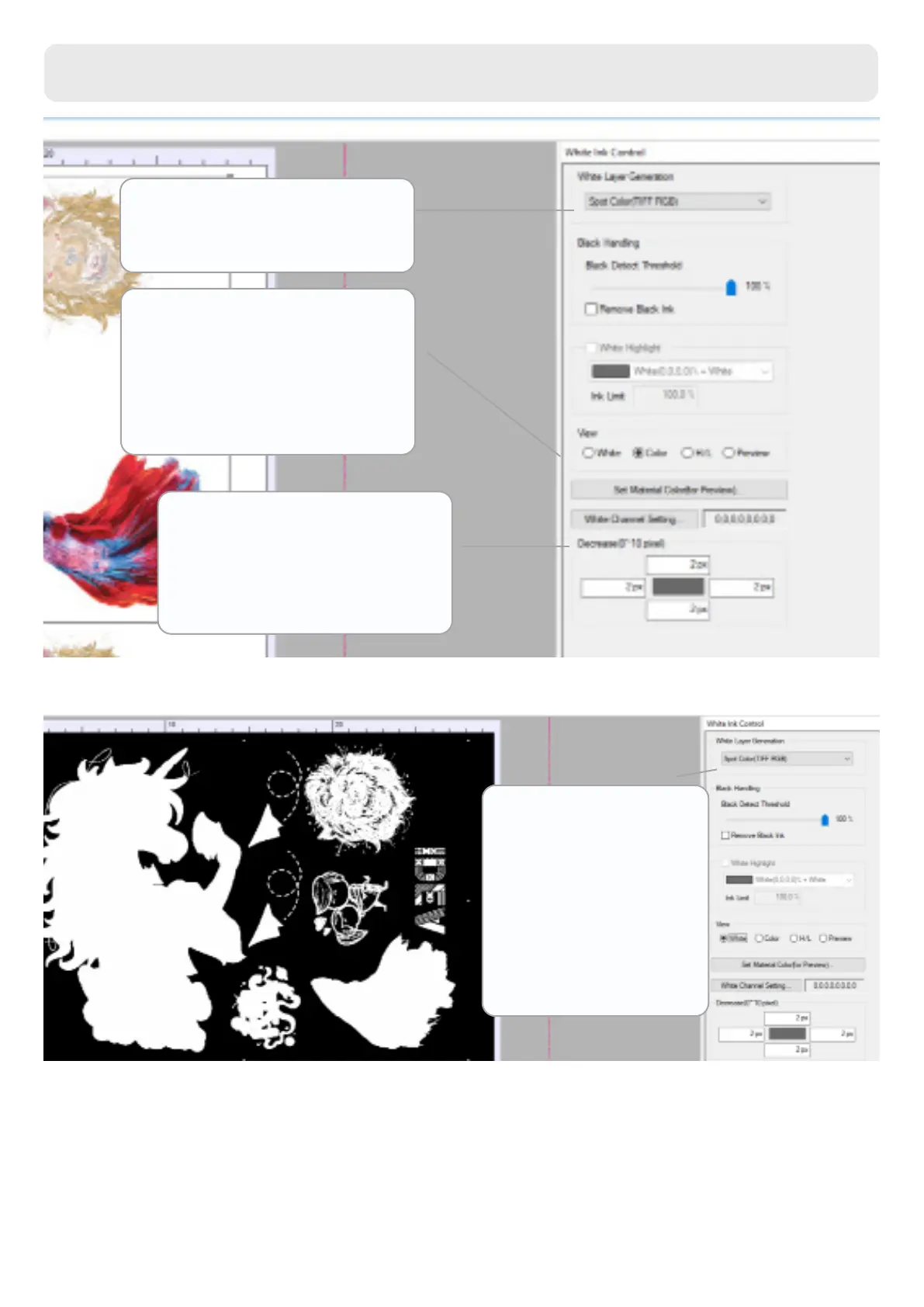
White layer generation lets
you choose between several
options for the white mask.
View allows you to choose the
layers' display: the white layer,
the colour and a preview. You
can also select the colour of the
material to see how it will look
like.
Decrease allows you to shrink
the white layer by up to 10px
to avoid showing any lines
underneath the colour.
White Ink Control Tab
This option allows
the program to read
the layer you have
previously created in
Photoshop and ll it
with white.
Spot Color (TIFF RGB)
13
www.brildor.com/en/



 To Next Page