QUICK START GUIDE
5
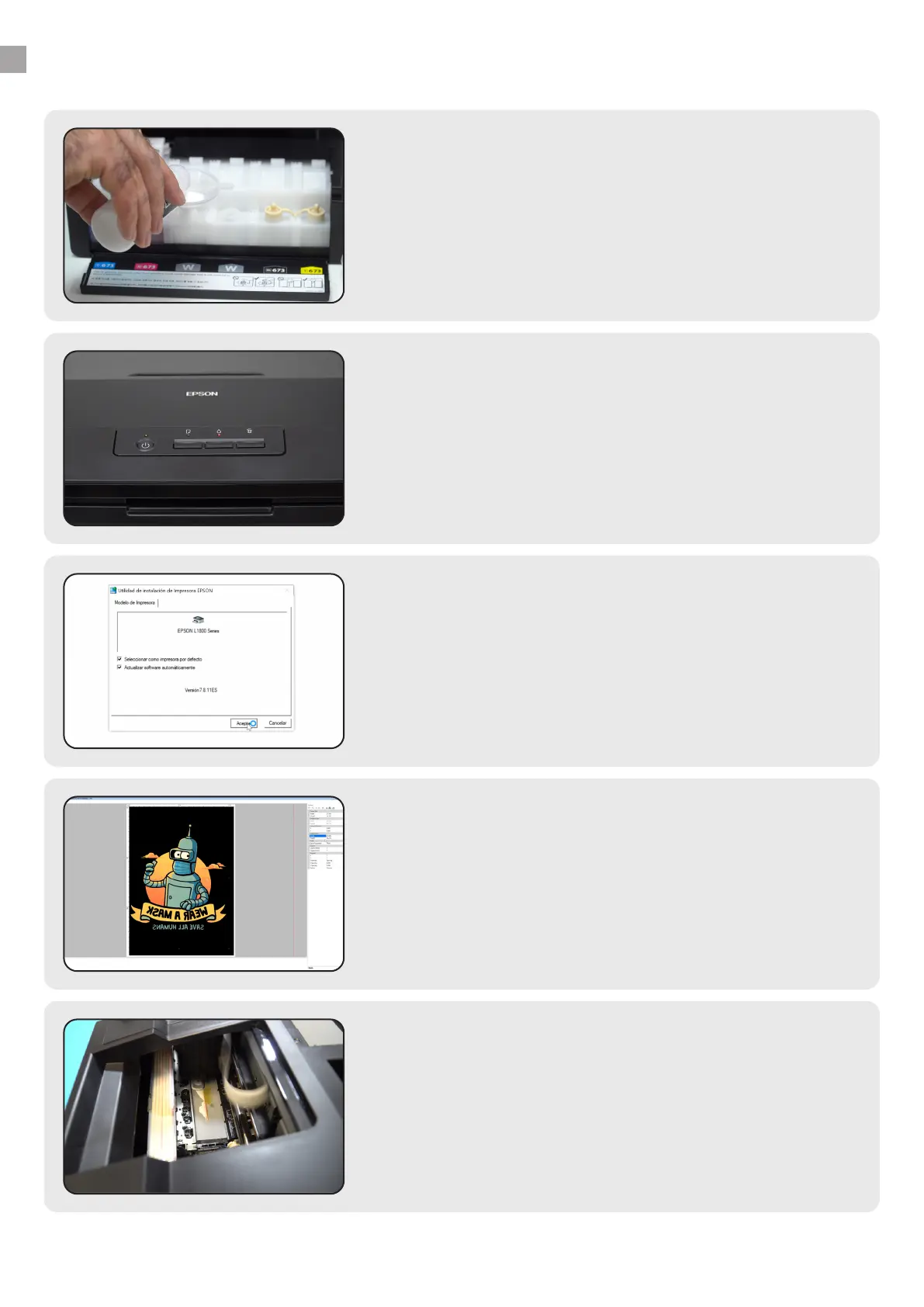
Ink charging
After unpacking the printer, shake and charge the DTF
inks in the tanks. Make sure to load each ink into the
right tank. Use a funnel if necessary to prevent spills.
1.
Driver installation
You must install the driver. We will provide you with the
le, but you can download it from the manufacturer.
Follow the steps on your screen for a successful
installation.
3.
PRINTING
Having prepared the images, you can now print on the
lm, apply the powder, cure, and nally transfer them
onto the garment.
5.
First charge
Once the inks are loaded, connect the printer to an
electrical outlet and press the ink button for a few
seconds to start charging the system. This will take a
while Do not turn o the printer during this process.
2.
RIP installation
You need RIP software for the printer to read and print
the image properly. See the detailed installation process
below.
4.
www.brildor.com/en/



 To Next Page