ACRORIP INSTALLATION & USE
7
INSTALLATION
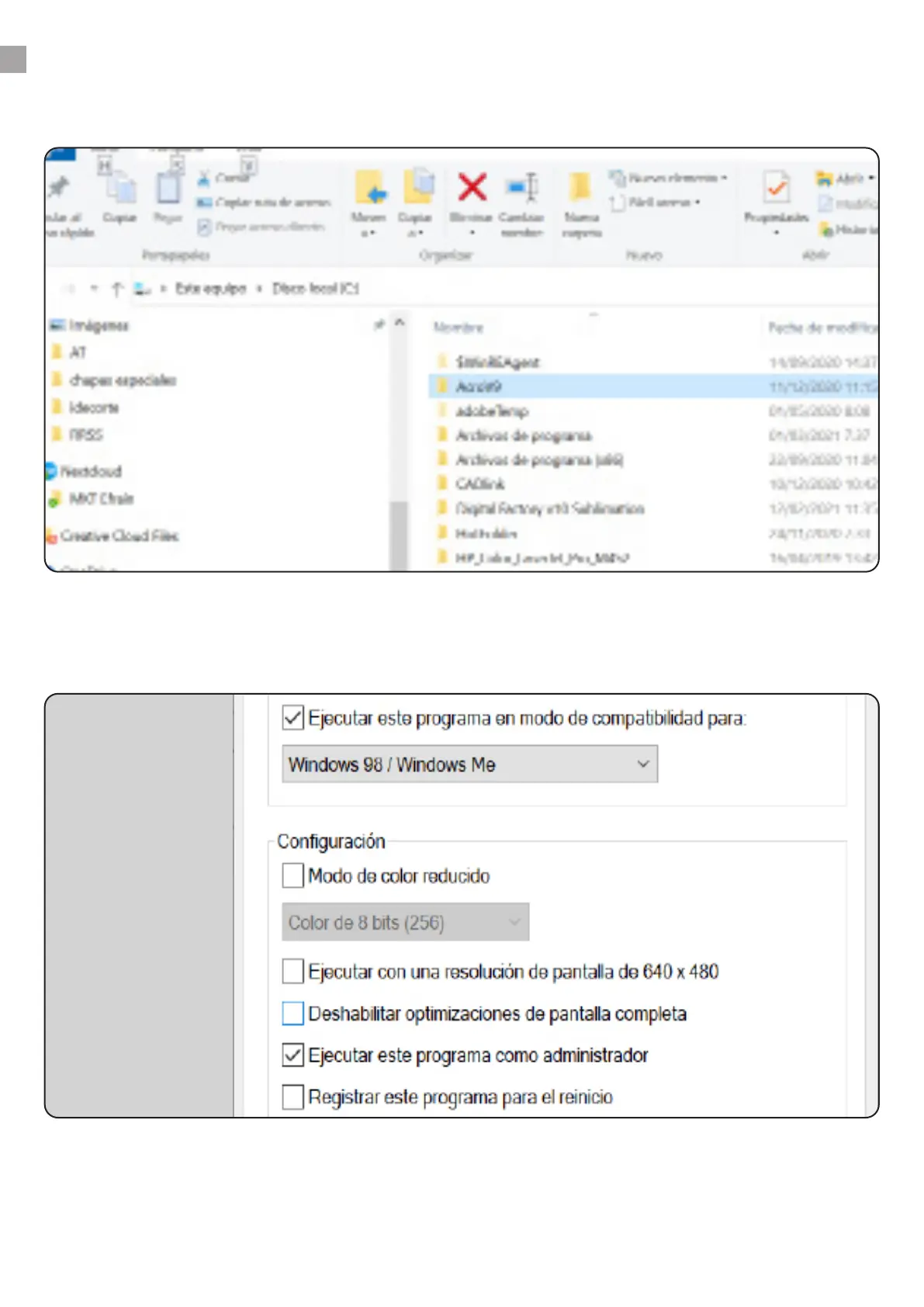
Turn o your antivirus. Unzip the AcroV9 folder in C: (your PC’s primary hard drive)
You must add the les Acro90.exe and Acro90W.exe as an exception to your antivirus, or you
won’t be able to use the RIP.
Insert the Dongle (USB) in your PC to make it work.
1.
Right-click on Acro90W.exe and click on Properties. Go to the Compatibility tab and activate Run this
program in compatibility mode for Windows 98/ Windows Me. Select Run as an administrator.
Do the same with Acro90.exe.
www.brildor.com/en/



 To Next Page