Click on the eye icon to make
the layer visible
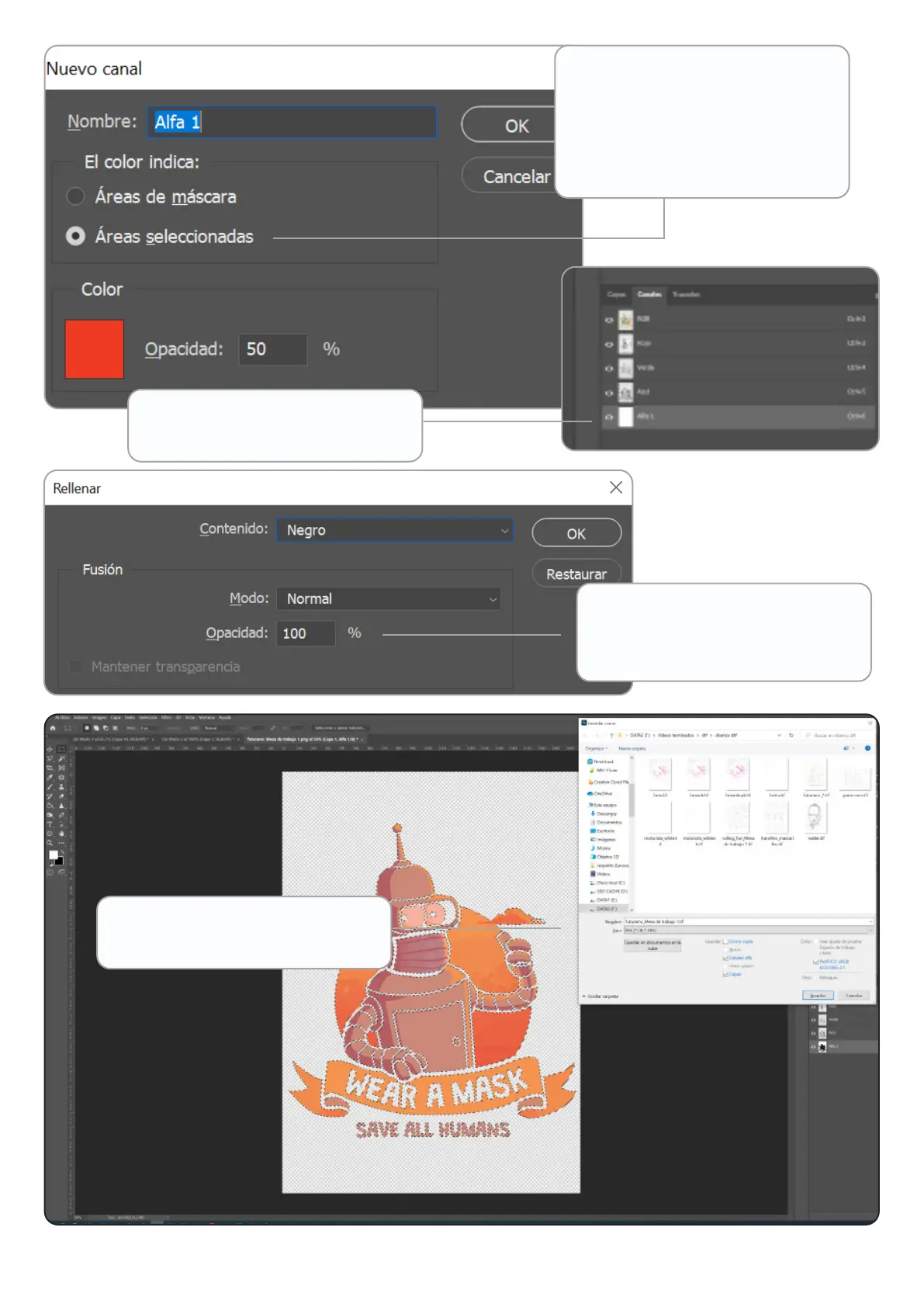
Go to Edit/Fill and select
Contents: Black and 100%
opacity
Finally, save it as TIFF to load it
in AcroRIP.
9
The new channel must be of
the selected areas. You can
select the colour you want with
an opacity of 50% to be able to
see underneath.
www.brildor.com/en/



 To Next Page