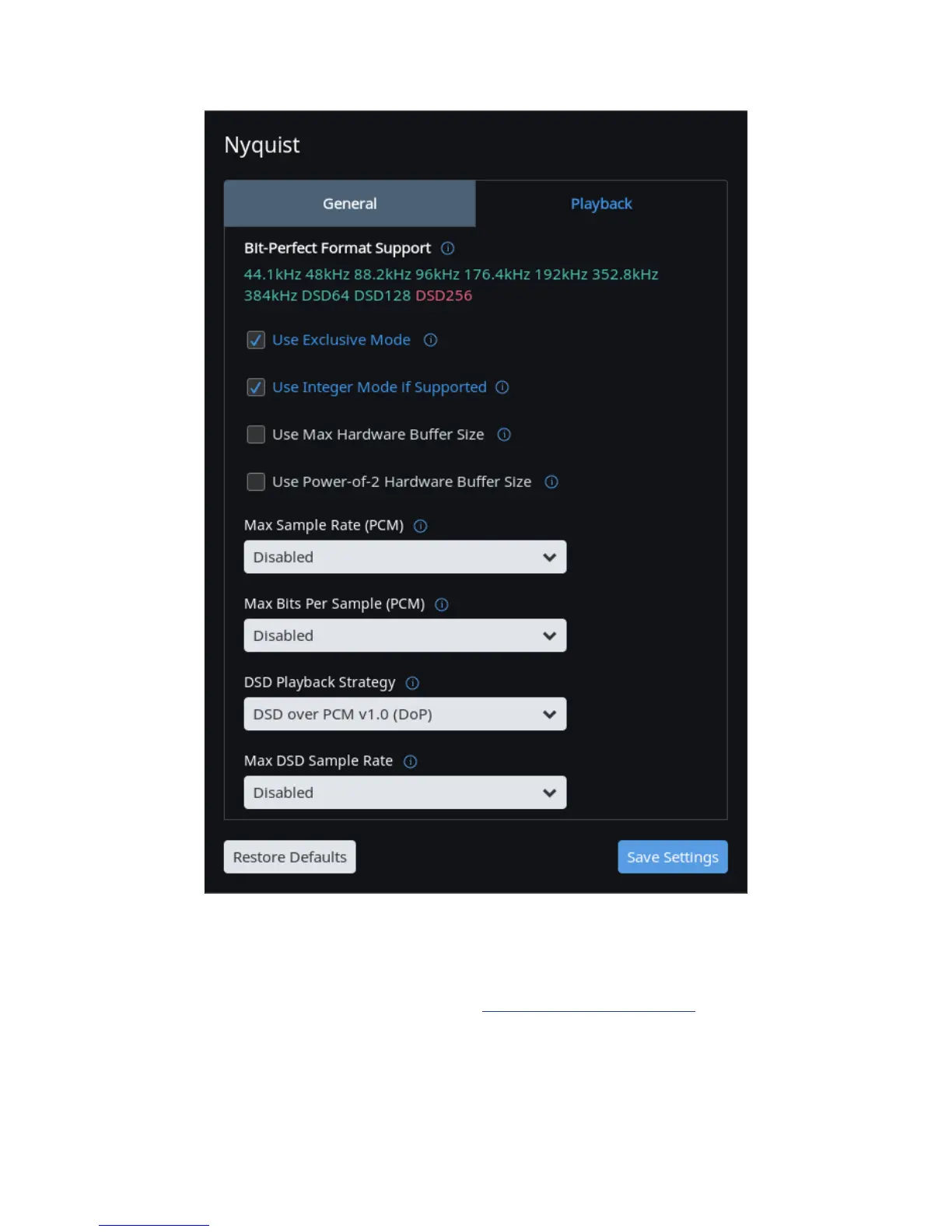
Recommended device sengs running Roon on a Mac
How to download and install the Windows driver: connect the PC to Nyquist via USB cable, either
connect the USB sck to the PC or open the le at www.brinkmann-audio.com, click on the Nyquist
driver le and chose save le, follow the installaon instrucons and chose install USB Audio 2.0
Class Driver, once the driver is installed, Nyquist should be listed as playback medium in the playback
soware of your choice and can be used.
11



 To Next Page