9. OPERATION
9. OPERATION
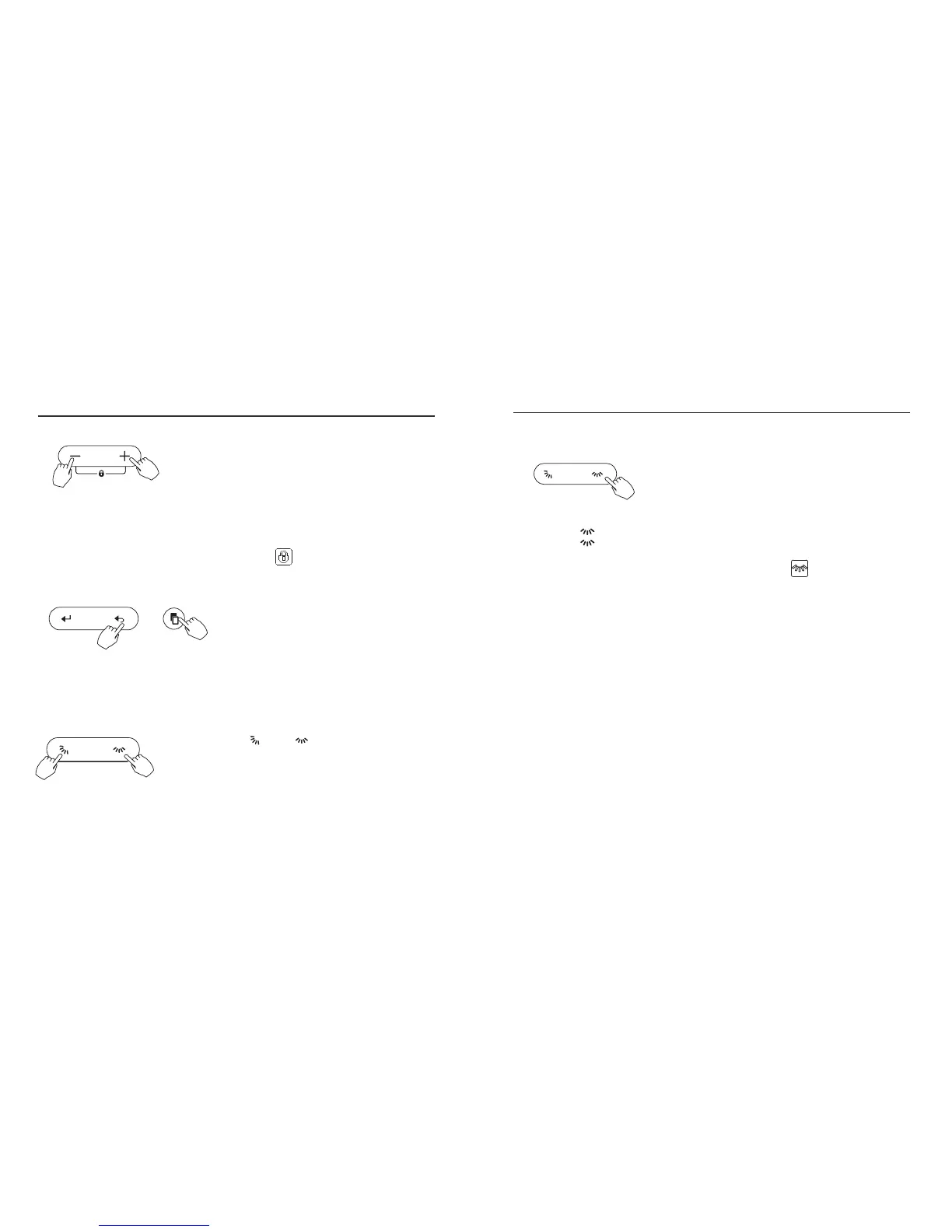
Press the “+” and “-” adjust buttons simultaneously for 3 seconds to activate
the child lock function. This will lock all buttons on the wired control.
Press the same buttons again for 3 seconds to deactivate the child lock.
When the child lock function is activated, the indicator appears.
Keypad tone setting
Press the “BACK” and “COPY” button simultaneously for 3 seconds to
turn off the keypad tone.
Press the same buttons again for 3 seconds to turn on the keypad tone.
BACK
Left-Right swing (applicable products)
Press the button to start Left-Right swing function.
Press the button again to stop.
When the Left-Right swing function is activated, the indicator
15 16
°C & °F temperature scale selection
Press and hold and buttons together
for 3 seconds will alternate the temperature display
o o
between the C and F
SWING SWING
SWINGSWING
appears.
Child lock function



 To Next Page