
 Need help?
Do you have a question about the Broadcom BCM943142HM and is the answer not in the manual?
Details essential information to obtain from the network administrator for setup.
Key points to know about wireless networks, including WEP security.
Explains how the Broadcom BCM943142HM solution enables wireless network connections.
Explains the various network tasks the Broadcom Wireless Utility enables users to perform.
Lists the core components of the Broadcom Wireless Utility software.
Describes operations accessible via the utility icon in the notification area.
Details how to manage wireless networks and connection profiles in the utility.
Instructions for managing trusted servers and Cisco Compatible Extensions.
Steps for importing or removing EAP-FAST Protected Access Credentials.
Details on viewing network connection status and signal/noise information.
Information about wireless routers/APs and ad hoc networks within range.
How to run tests to determine if the wireless network adapter is functioning properly.
Displays software, hardware, and location details of the wireless adapter.
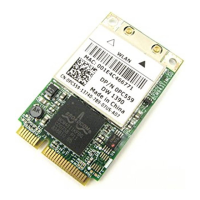
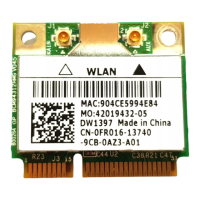
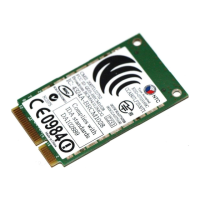
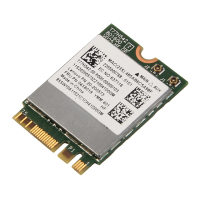
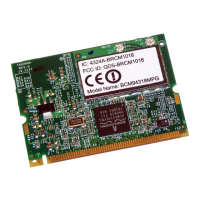
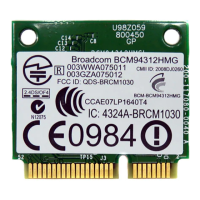
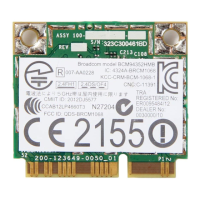
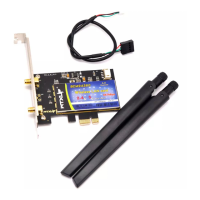
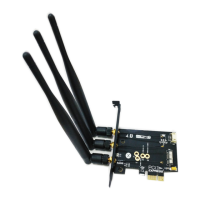
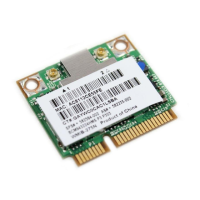
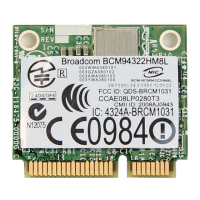
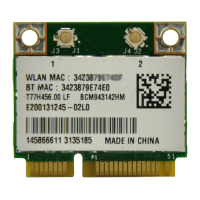
The Broadcom BCM943142HM is a wireless communication device designed to enable wireless connectivity to networks. This user guide provides comprehensive information on its functionality, technical specifications, usage, and maintenance.
The Broadcom BCM943142HM solution allows users to establish a wireless connection to a network. It acts as a wireless network adapter, enabling communication over radio waves. The device is managed through the Broadcom Wireless Utility, which provides a suite of tools for network management, connection, and diagnostics.
The device supports the IEEE 802.11g standard for wireless local area networks. For IEEE 802.11n connections, speed is indicated by an MCS value, and Radio Stream information is also provided. The utility displays various network status details, including:
The utility also provides software and hardware details:
The Broadcom Wireless Utility is the primary interface for managing the BCM943142HM.
The utility offers several tabs for different functions:
Wireless Networks Tab:
Link Status Tab:
Statistics Tab:
Site Monitor Tab:
Diagnostics Tab:
Information Tab:
This component is for advanced users and network administrators to create connection profiles for advanced infrastructure, basic infrastructure, or ad hoc networks.

 To Next Page
 General