EasyManua.ls Logo

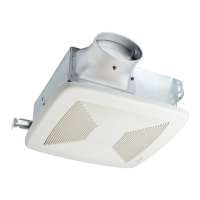
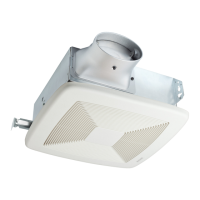
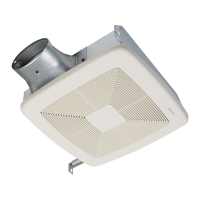
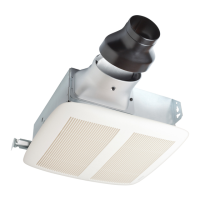
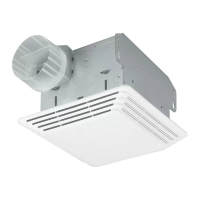
Broan LP110 - User Manual

Broan LP110
24 pages
Print Icon
To Next Page IconTo Next Page
Loading...
LP80 & LP110
Lo Profile
Ventilation Fan
INSTALLATION GUIDE
READ AND SAVE THESE INSTRUCTIONS
Installer: leave this guide with homeowner.
Register your product online at www.broan.com/register.
Easy installation
Table of Contents
Warnings and Cautions 2
Typical Installation 2
Installation 3-6
Operation 7
Cleaning and Maintenance 7
Troubleshooting 7
Service Parts 8
Warranty 8
© 2018 Broan
Question and Answer IconNeed help?

Do you have a question about the Broan LP110 and is the answer not in the manual?

Summary

General Safety Warnings

Cautions for Use

Important cautions regarding product use, installation, and potential hazards.

Typical Installation Overview

Installation Guide

Step 1: Remove from Packaging

Unpack the fan and identify all components before starting installation.

Step 2: Install in Wall or Ceiling

Securely mount the fan housing within the wall or ceiling structure.

Step 3: Install Ducting

Connect the ductwork to the fan housing and vent to the exterior.

Step 4: Connect Wires

Wire the fan according to the provided electrical diagram and local codes.

Step 5: Insert Mask and Finish Wall;Ceiling

Use the protective mask during finishing work, then remove it.

Step 6: Install Grille

Attach the grille to the fan housing by aligning and securing the springs.

Operating the Fan

Cleaning and Maintenance

Troubleshooting Common Issues

Service Parts List

Product Warranty Information

Broan LP110 Specifications

General IconGeneral
Airflow Capacity110 CFM
Duct Size4 inches
Sound Level1.5 Sones
Voltage120V
Housing MaterialGalvanized Steel
Mounting TypeCeiling

Related product manuals