11
OPERATION
Product Operation (Cont’d)
Place the air purifier on a flat, solid surface. Do not block the Air Outlet with
objects, and remove any heat sources and/or open flames near the unit.
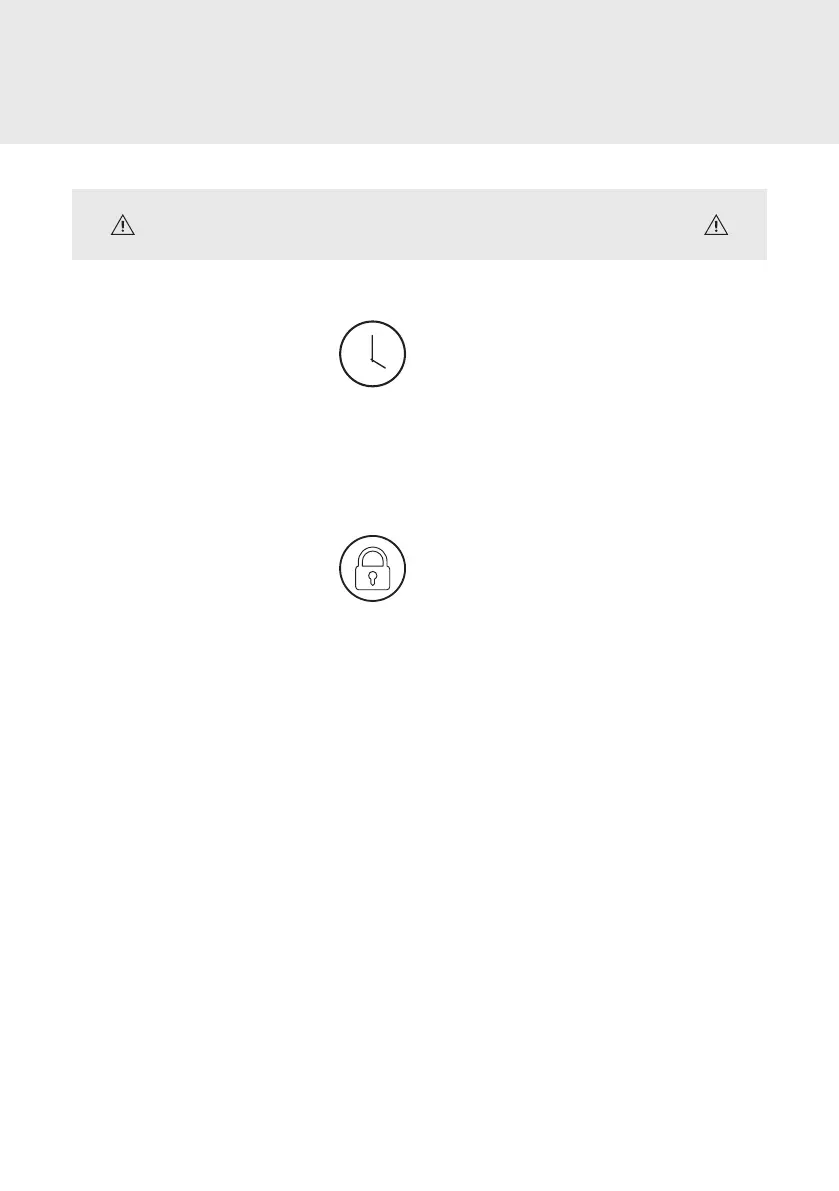
Setting the Timer
1. Touch the clock icon to initiate
a timer duration between 1 and
12 hours.
2. Continue to touch the clock icon
until you reach the timer duration desired.
3. To disengage the Timer before the end of
the set duration, touch the clock icon until
the Control Panel displays 0.
Setting the Child Lock
1. Touch the lock icon to engage
the Child Lock. When Child Lock
is on, all other buttons will chime
twice when touched and will not
respond to touch commands.
2. Touch and hold the lock icon for 3 seconds
to disengage the Child Lock.
Note: Icon names will only be displayed when
its function is activated. In Sleep mode, only
Sleep will be displayed even if other functions
are activated.



 To Next Page