Installing a Micro SD Card
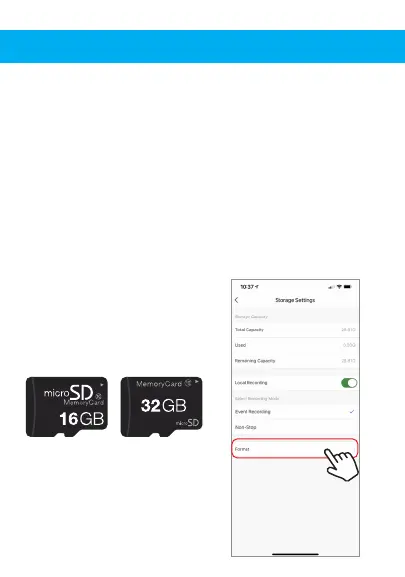
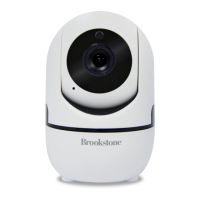
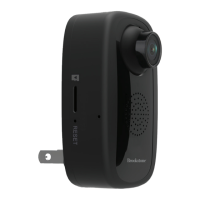
To install a Micro SD Card, insert it into the slot on the side
of the camera. (Please see images below to make sure you
have the correct type of memory card.) Once you correctly
insert it all the way it should click into place. To remove it,
press down on it slightly and it will pop out. The camera
can use any memory size of Micro SD Card up to 32 GB in
size.
Once the Micro SD Card is installed you need to format it.
To format the card, go to the settings of the camera by
clicking on the icon at the top right corner of the camera
screen, then click on “Storage Settings”, then click on
“Format”.
Images of what
Micro SD Card Looks like.


 To Next Page