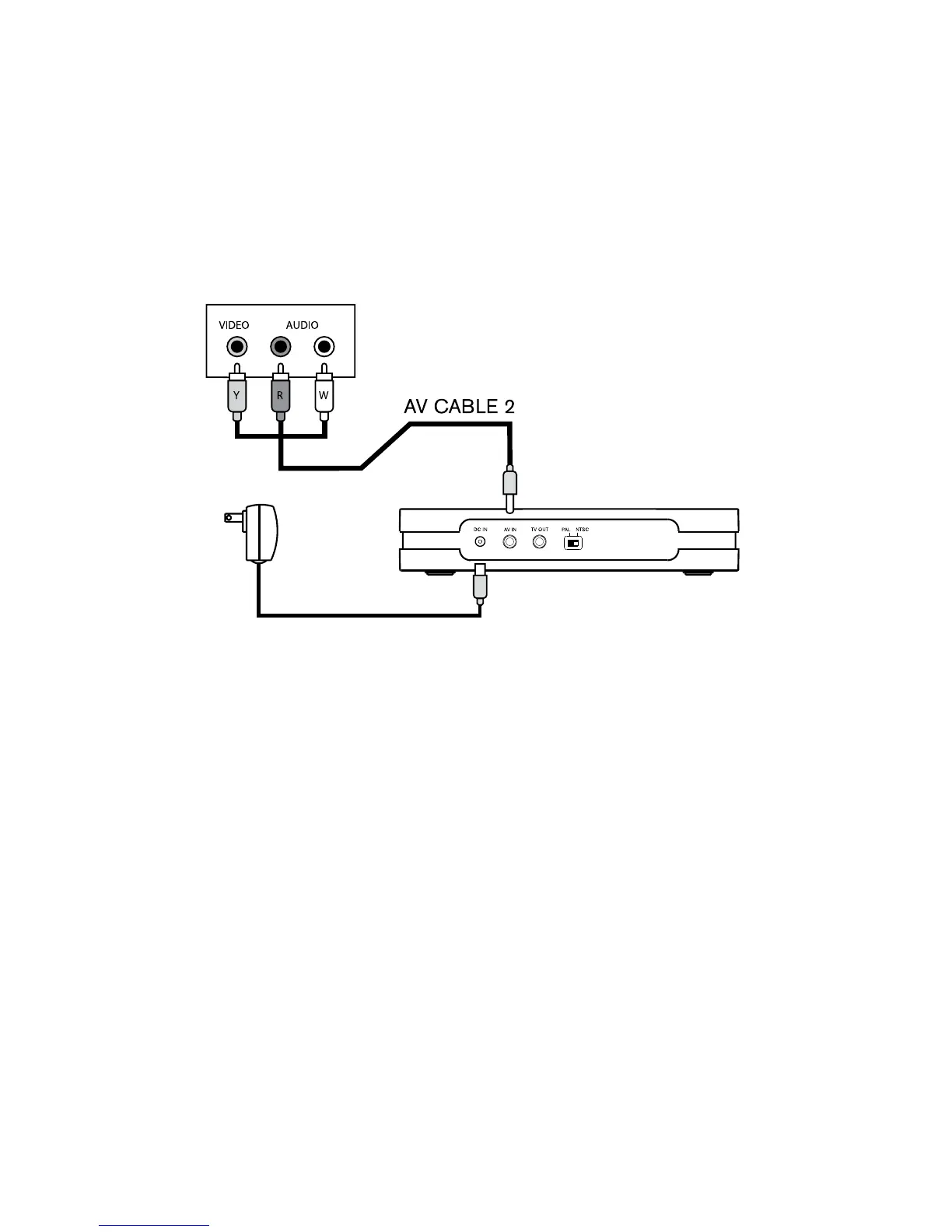
USING THE VIDEO CONVERTER TO RECORD TV PROGRAMS
1. Connect AV CABLE 2 to the INPUT jack on the backside of the converter.
2. Plug the colored prongs from AV CABLE 2 into the OUTPUT section
on the TV.
3. Plug the AC/DC adapter into an outlet and the DC-IN jack.
4. Insert Memory Card.
5. Press POWER button to turn on the Video Converter.
6. Turn the TV on and select the channel or program you wish to record.
7. Press REC/STOP button to start recording. The red LED record indicator
will start blinking.
8. Press the REC/STOP button again to stop recording.
POWER
ADAPTOR
11



 To Next Page