IllUMInaTIon
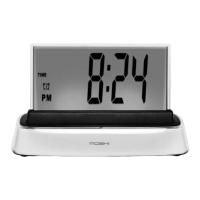
Moshi has alternating, illuminating color backgrounds for speaking and listening
when the NIGHT LIGHT S/M switch is in the M (multiple) position:
When Moshi is talking, the clock screen will illuminate in blue.
When Moshi is listening, the clock screen will illuminate in green.
Moshi's screen will display dark blue if the temperature is 59˚ F or below.
Moshi's screen will display light blue if the temperature is between 60˚ and 69˚ F.
Moshi's screen will display green if the temperature is between 70˚ and 89˚ F.
Moshi's screen will display red if the temperature is 90˚ F or above.
Note: Moshi's screen will illuminate the colors for different temperatures
only when you are asking Moshi for the temperature, not at all times.
The night light will alternate in 6 colors.
When the NIGHT LIGHT S/M switch is in the S (single) position,
the illumination will default to blue.
•
•
•
•
•
•
•
•
10


 To Next Page