TalkInG To MoshI
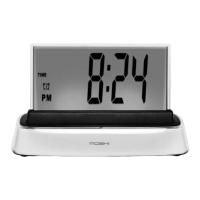
To activate Moshi, say "hello Moshi."
Moshi will respond "welcome, command please."
Note: If you are running on batteries, not AC power, press the CLOCK
SCREEN back to activate Moshi's voice command.
seTTInG The TIMe
After you activate Moshi:
Say "set time."
Moshi will respond "tell me the current time."
State the time in a clear voice. Example: "ten twenty two PM."
Moshi will then repeat the time back to you. Example: "the time is now
set to ten twenty two PM."
Your time is set!
1.
2.
1.
2.
3.
4.
5.
11


 To Next Page