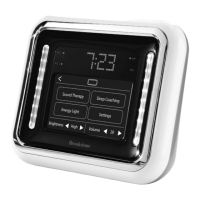
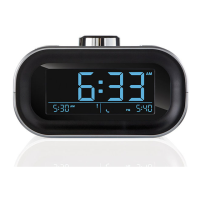
7. How do I interrupt my Moshi Alarm Clock?
Touch display to stop Moshi from speaking. During the help menu you can
touch the display to stop it from speaking and then give a command.
8. How do I turn off the sleep sound?
Touch the display.
9. How do I snooze the alarm?
Touching the screen gives you a snooze time of 9 minutes. Or the alarm will
automatically snooze for 9 minutes if alarm is not turned off after a minute.
The only way to turn OFF the alarm is by giving the command, "Turn off
the Alarm."
10. Can I change temperature to Celsius?
When setting the date, you can choose Fahrenheit or Celsius
(refer to page 15).
11. How do I reset Moshi?
Remove batteries or use the reset button located on the bottom side.
12. Can Moshi listen to a command when the sleep sound is playing?
No, Moshi cannot listen to a command when the sleep sound is playing.
The sleep sound will turn off automatically after five minutes or by pressing
the display.
20


 To Next Page