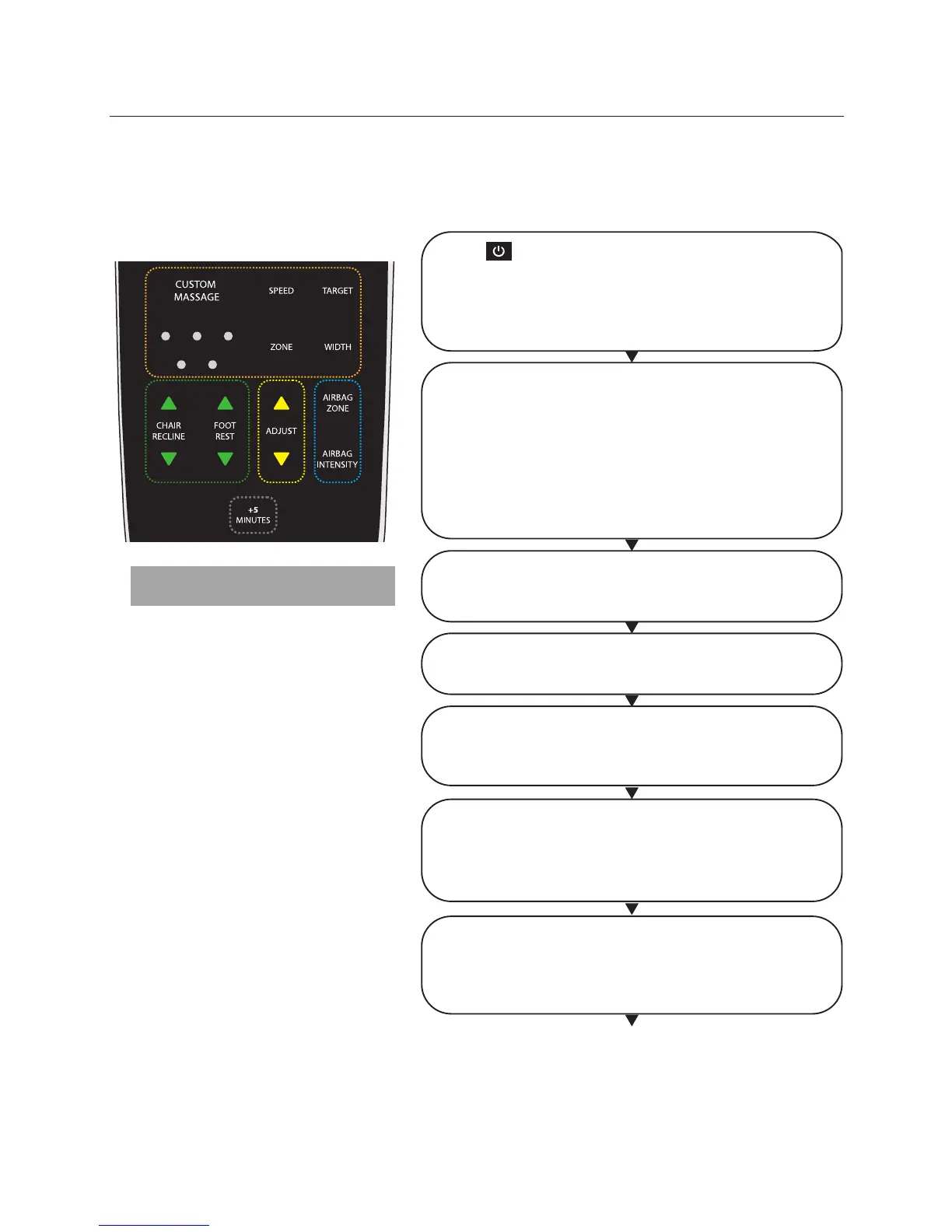
Custom massage
Massage programs and selections
Press Power button to switch on the controller.
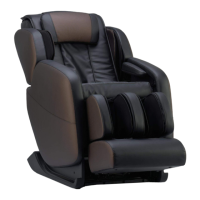
Brookstone Renew
TM
Massage Chair will recline to its
ready position and the LCD on the controller will light
up. If no selection is made after 3 minutes, the chair will
go into idle mode and the LCD light will go off.
There are 5 types of custom back massage. Select the
custom massage button:
Once for Kneading
Twice for Tapping
3 times for Kneading with Tapping
4 times for Shiatsu
5 times for Rolling
Massage type will illuminate in the LCD screen.
Chair Recline
Select ▲ or ▼ to adjust the recline position of the chair
manually.
Foot Rest
Select ▲ or ▼ to adjust the foot rest independently
Adjust
Select ▲ or ▼ to move the back rollers to your desired
position, or changes the roller direction.
Airbag Zone
Use to select where you would like the airbags to
massage. Each press of the button will show the
corresponding location on the LCD screen.
Note
You may select and combine your favorite massage areas by pressing the respective
custom area massage buttons.
• Keep each massage session to no
longer than 20 minutes.
• Do not massage any particular area
of the body for more than 5 minutes.
Airbag Intensity
Allows you to adjust the intensity of the Airbag massage.
Each press of the button will change the intensity level :
One bar=Low; Two bars=Medium; Three bars=High
17







 To Next Page