• In an emergency or any malfunction,
press Pause button to stop the
massage immediately. Will not return
rollers to the storage position.
• Press the Power button to bring
the rollers to the storage position
• Turn off the main switch
Stopping a massage session
Press the Power button to stop all
massage functions. The rollers will
move back to the storage position
and all air bags will deflate, ending the
massage. Chair will return to Exit
position.
Hitting the current program button
again will end the program and return
the chair to the “Ready” position and
it waits for the next command.
Note
Massage programs and selections
Changing the massage program
You may change from one massage
program to another without having
to wait for a program to complete.
If you select a different program
when an auto program is running,
the rollers will return to the storage
position and begin the new program.
If you are running a manual program,
the rollers will continue moving up or
down and will not return to the
storage position.
Pausing a massage session
To pause the chair, press the Pause
button on the controller. This will
temporarily freeze all operations. Press
the Pause button again to resume
massage.
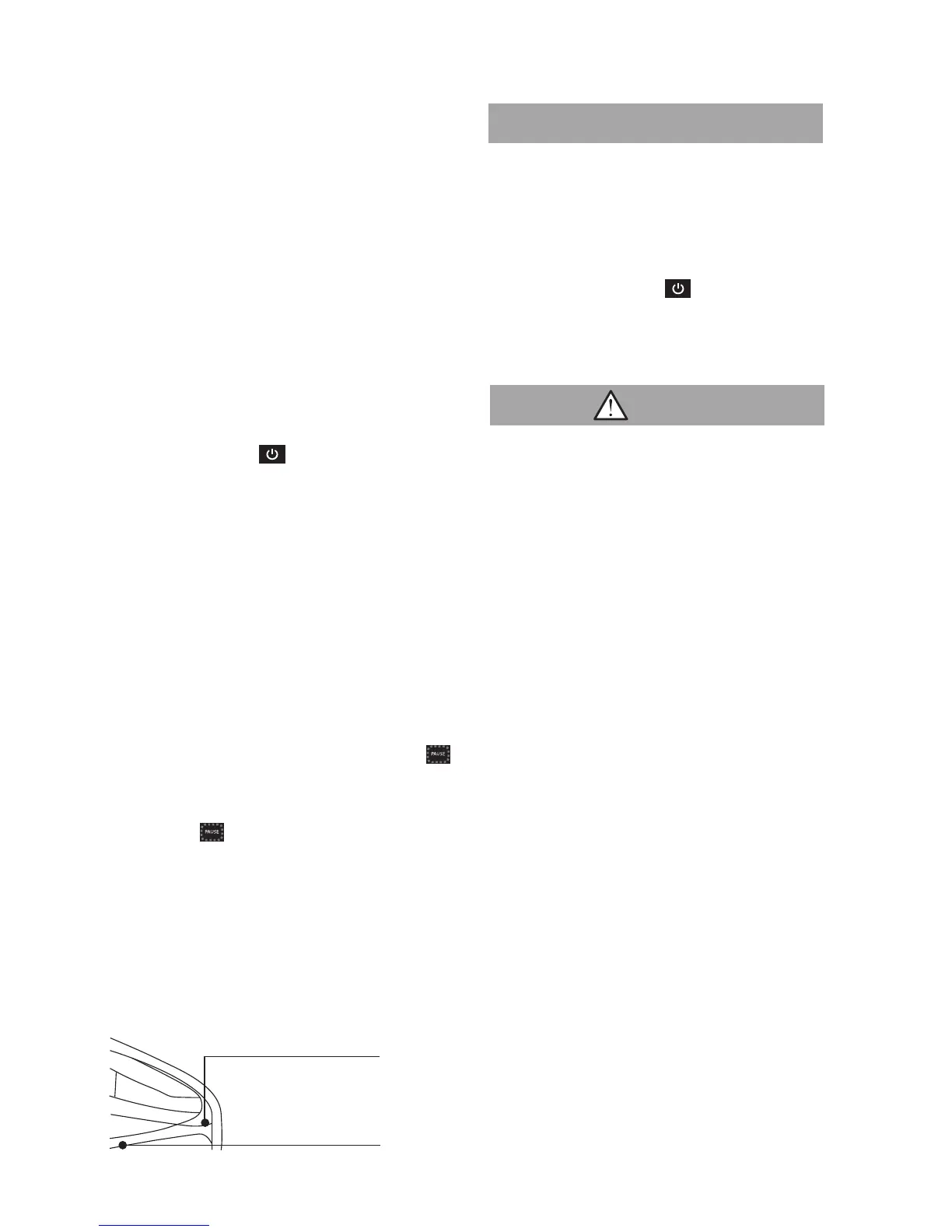
Storing the remote
When you have completed your
massage session, store the remote in
the pocket located between the arm
and seat cushion.
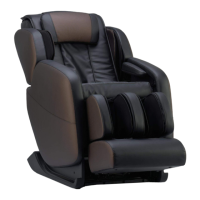
• To avoid accidents and malfunction of
the Brookstone Renew
TM
Massage
Chair, switch off the Main Switch and
disconnect the power plug from the
electrical outlet after use.
• Always disconnect the power plug
from the electrical outlet if the
Brookstone Renew
TM
Massage Chair
is not being used for a period of time.
Caution
Remote Storage Pocket
Seat Cushion
19







 To Next Page