15
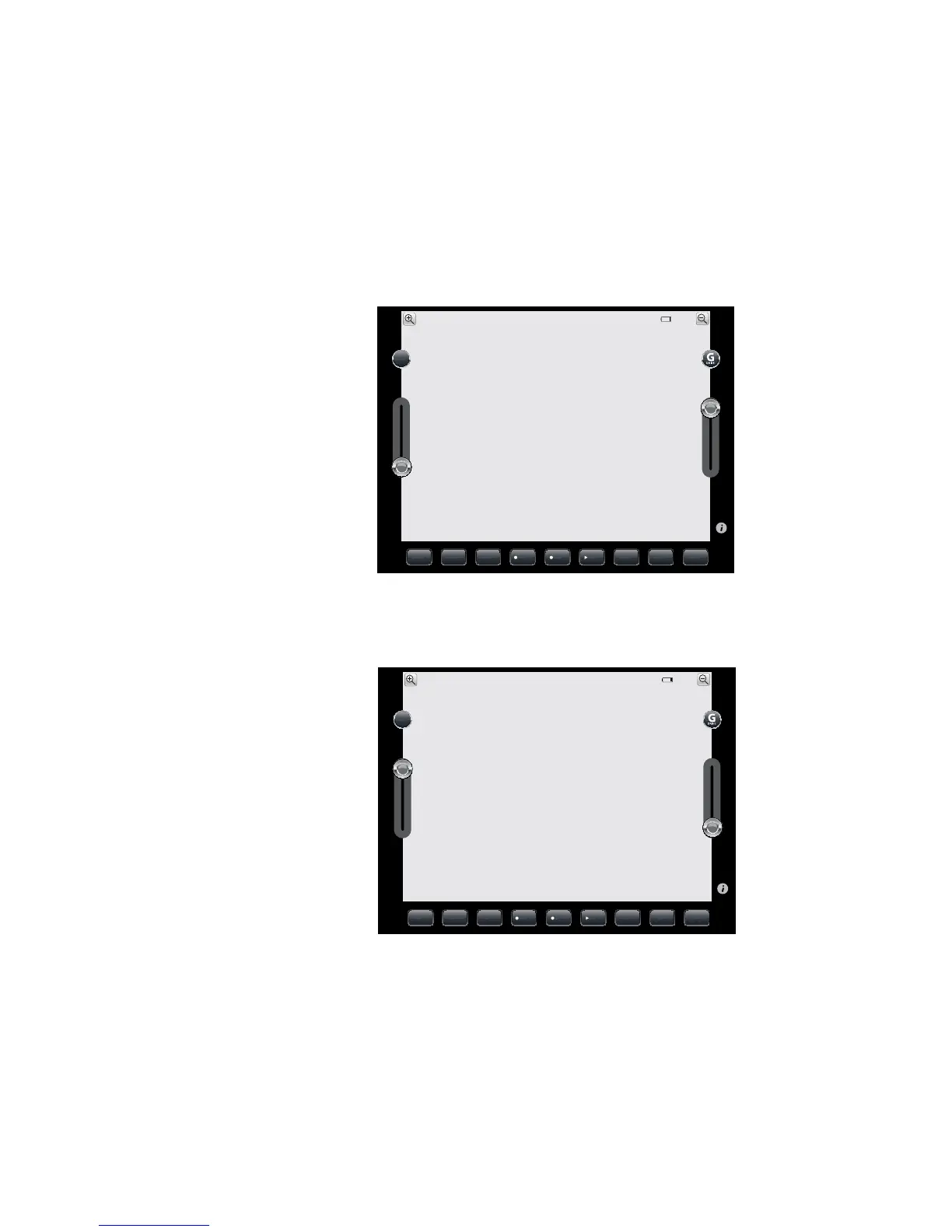
• 360º circle to the left – push the driving control button down on the left of your
device’s screen and the driving control button up on the right of your device’s
screen at the same time
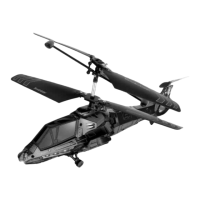
• 360º circle to the right – push the driving control button up on the left of your
device’s screen and the driving control button down on the right of your device’s
screen at the same time
• Stop – Release all buttons and remove fingers from the screen
STEALTH CAMERA PHOTO TALK VOLUME BRIGHTSPATHVIDEO PATH
100%
SHARE
STEALTH CAMERA PHOTO TALK VOLUME BRIGHTSPATHVIDEO PATH
100%
SHARE



 To Next Page