18
SHARE
SHARE
Press the
SHARE
button for information on how to share and view your Rover 2.0 videos
and photos.
CAMERA
CAMERA
Press the
CAMERA
button and use the slide to control the camera angle.
VIDEO
VIDEO
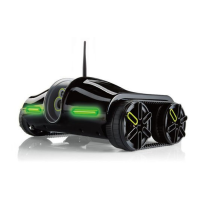
The Rover 2.0 can take videos! Press the
VIDEO
button to record a video. Press the
VIDEO
button to end recording. The video will be saved in the Rover 2.0 Share Library
and in the Photos folder on your device.
Important: The Rover 2.0 will not record audio while it is in motion.
Note: Some Android devices require an SD card to save Rover 2.0 videos.
792593_INS1211_Rover 2.0_Size:5”Wx4.75”H_Output:100%_Prints:1/1,Blk


 To Next Page