Brose Display Allround | Operation and Control 29 | EN
Use the «Increase» and «Decrease» keys to
increase or decrease the assist level. If, for
example, you are in the settings menu, you can
use these keys to scroll up or down.
Bicycle lights
In the version in which the bike lights are
powered by the e-bike system, the front light
and the rear light can be switched on and off
simultaneously using the «Light» key (Fig. A-c)
on the control unit.
When the light is on, an icon appears in the
status bar (Fig.1-2) on the display.
Light status
Lighting not activated
Lighting switched on
Automatic control activated
Switching the bike lights on and off has no
influence on the display backlight.
Hinweis: Is the battery removed or fully
discharged, the light does not turn on if it
is connected to the electric power system.
Be aware that using the bicycle under these
conditions will be considered non-observance
of the road traffic laws.
System information
The following is displayed to you in the status
bar:
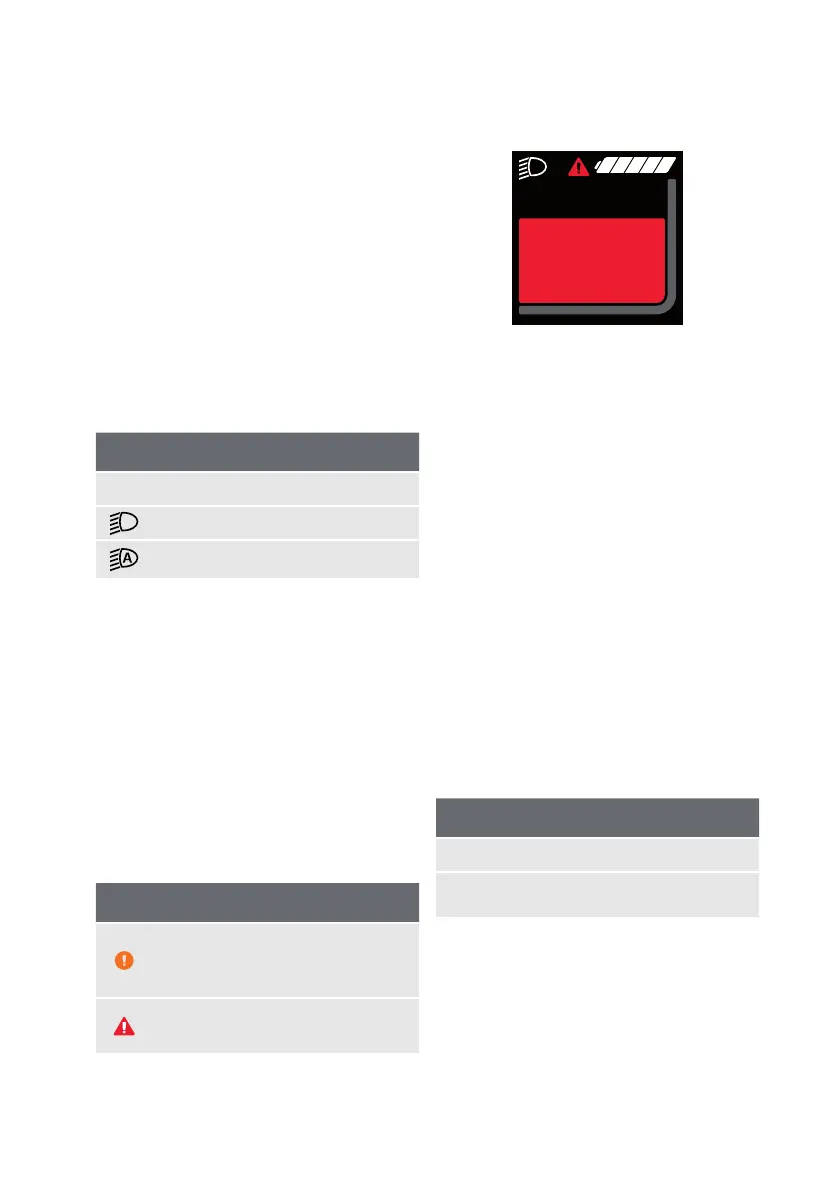
Error & status symbols
Battery reserve is reached or
battery is drained and the system is
switched off
A fault has occurred (refer to
Troubleshooting chapter)
Check
Speed
sensor
kmh99,9
Fig. 3: Sample Error
Battery charge level
The battery charge level (Fig.1-3) is shown on
the display of the display unit with 5 segments.
Each segment corresponds to approx. 20% of
the battery capacity.
Depending on the features of your e-bike,
the battery charge level can also be from the
battery itself.
If the battery charge level is <10%, the
charge level indicator will start flashing. If the
charge state is <5%, the last segment of the
display turns red. In this condition, the motor
assistance is switched off to ensure the use
of lighting for an additional 2 hours in an
emergency.
Charge level
white Battery capacity >10%
red
Battery capacity ≤10%
(last segment red)
If the battery is being charged on the wheel, a
message will be displayed.
190729_Brose_BDA-Allround-Multi.indd 29 29.07.2019 15:14:30


 To Next Page
 Loading...