EasyManua.ls Logo

Brose E 41230 - User Manual

Brose E 41230
20 pages
Print Icon
To Next Page IconTo Next Page
Loading...
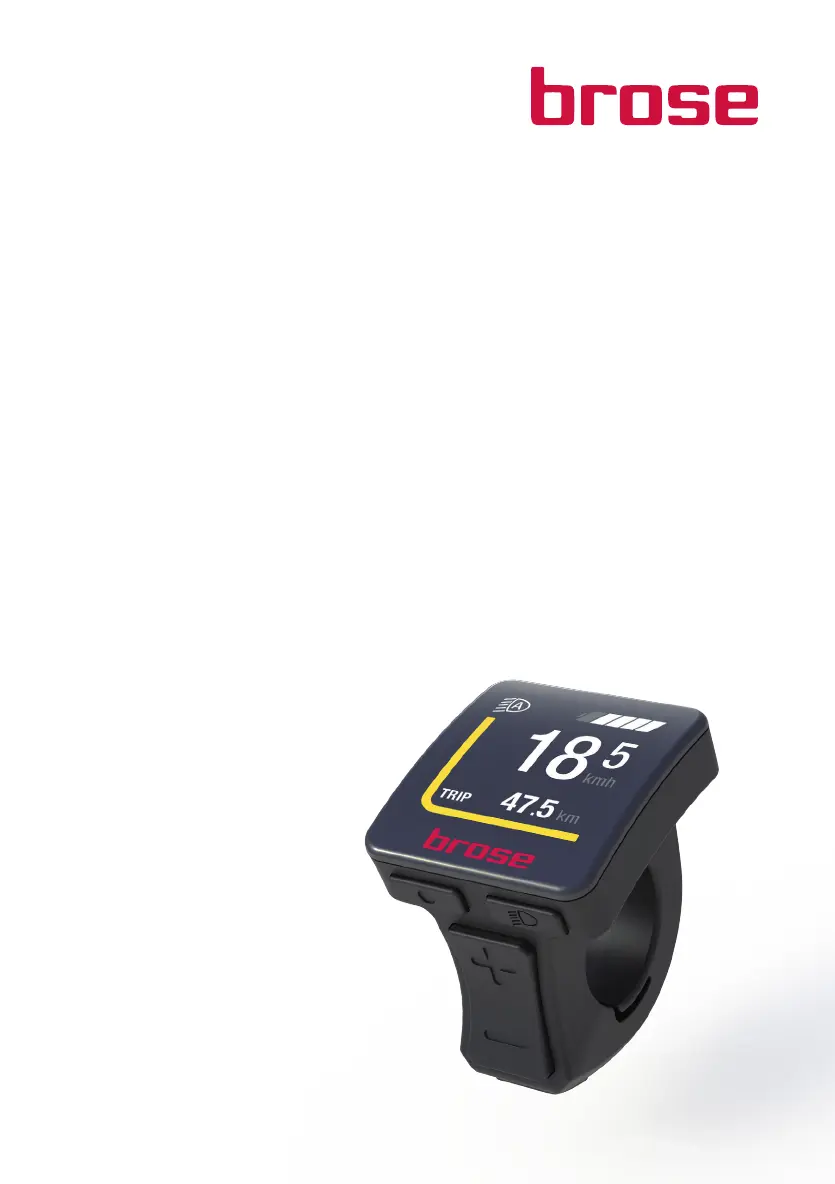
Brose Display Allround
E 41230
E
N User Manual
190729_Brose_BDA-Allround-Multi.indd 1 29.07.2019 15:14:26

Questions and Answers

  • T
    torressarahAug 2, 2025
    What to do if Brose E 41230 Monitor and/or Drive System cannot be activated?
    • R
      robert82Aug 2, 2025
      If your Brose Monitor and/or Drive System won't activate, several things could be the cause. First, ensure the battery is correctly clicked into the holder and properly positioned. If that's not the issue, fully charge the battery using the supplied charger. Also, check the battery and display unit contacts, cleaning them with a soft, dry cloth if they're soiled. Verify the display unit is correctly connected and that the plug connections on the drive unit are properly inserted, adjusting the cabling and connections as necessary.
  • J
    Jay BrownAug 16, 2025
    Why bicycle lighting cannot be activated on Brose E 41230?
    • D
      David KelleyAug 16, 2025
      If the bicycle lighting cannot be activated, the lighting cable may be incorrectly connected. Check the cabling and connections, and connect them correctly if necessary.

Summary

Brose Display Allround Safety Instructions

General Safety Warnings

Crucial safety advice and warnings for using the e-bike system, including potential risks and precautions.

Brose Display Allround Product Information

Intended Use of the Display

Specifies the exclusive purpose and application of the Brose display and control unit.

Display Overview and Features

Introduces the Brose display, its design, and features for optimal cyclist interaction.

Technical Data and Compliance

Details technical specifications, operating conditions, and EU compliance declarations.

Brose Display Allround Installation and Operation

Mounting the Control Unit

Step-by-step guide on how to correctly attach the control unit to the handlebar.

System Power and Basic Controls

Explains system power management and the basic functions of the control unit keys.

Brose Display Allround Display and Settings Management

Understanding Display Information

Details the information presented on the display, including status, lighting, and battery levels.

Menu Navigation and Trip Data

Guides on accessing the menu to view trip information (range, time, speed) and reset data.

System Settings Configuration

Covers adjusting settings like language, screen personalization, display brightness, and system preferences.

Brose Display Allround Troubleshooting and Service

Common Fault Diagnosis and Remedies

Lists common fault information (e.g., sensor faults) and their respective remedies.

Maintenance, Cleaning, and Disposal

Provides guidelines for maintenance, cleaning, and environmentally friendly disposal of components.

Brose E 41230 Specifications

General IconGeneral
BrandBrose
ModelE 41230
CategoryMonitor
LanguageEnglish