Home > Network > Additional Methods of Configuring Your Brother Machine for a Wireless Network > Use
Wi-Fi Direct
®
> Print or Scan from Your Mobile Device Using Wi-Fi Direct
Print or Scan from Your Mobile Device Using Wi-Fi Direct
Related Models: DCP-T510W/DCP-T710W/MFC-T910DW
Wi-Fi Direct is one of the wireless configuration methods developed by the Wi-Fi Alliance
®
. It allows you to
configure a secured wireless network between your Brother machine and a mobile device, such as an Android
™
device, Windows device, iPhone, iPod touch, or iPad, without using an access point. Wi-Fi Direct supports
wireless network configuration using the one-push or PIN Method of Wi-Fi Protected Setup
™
(WPS). You can
also configure a wireless network by manually setting a SSID and password. Your Brother machine's Wi-Fi Direct
feature supports WPA2
™
security with AES encryption.
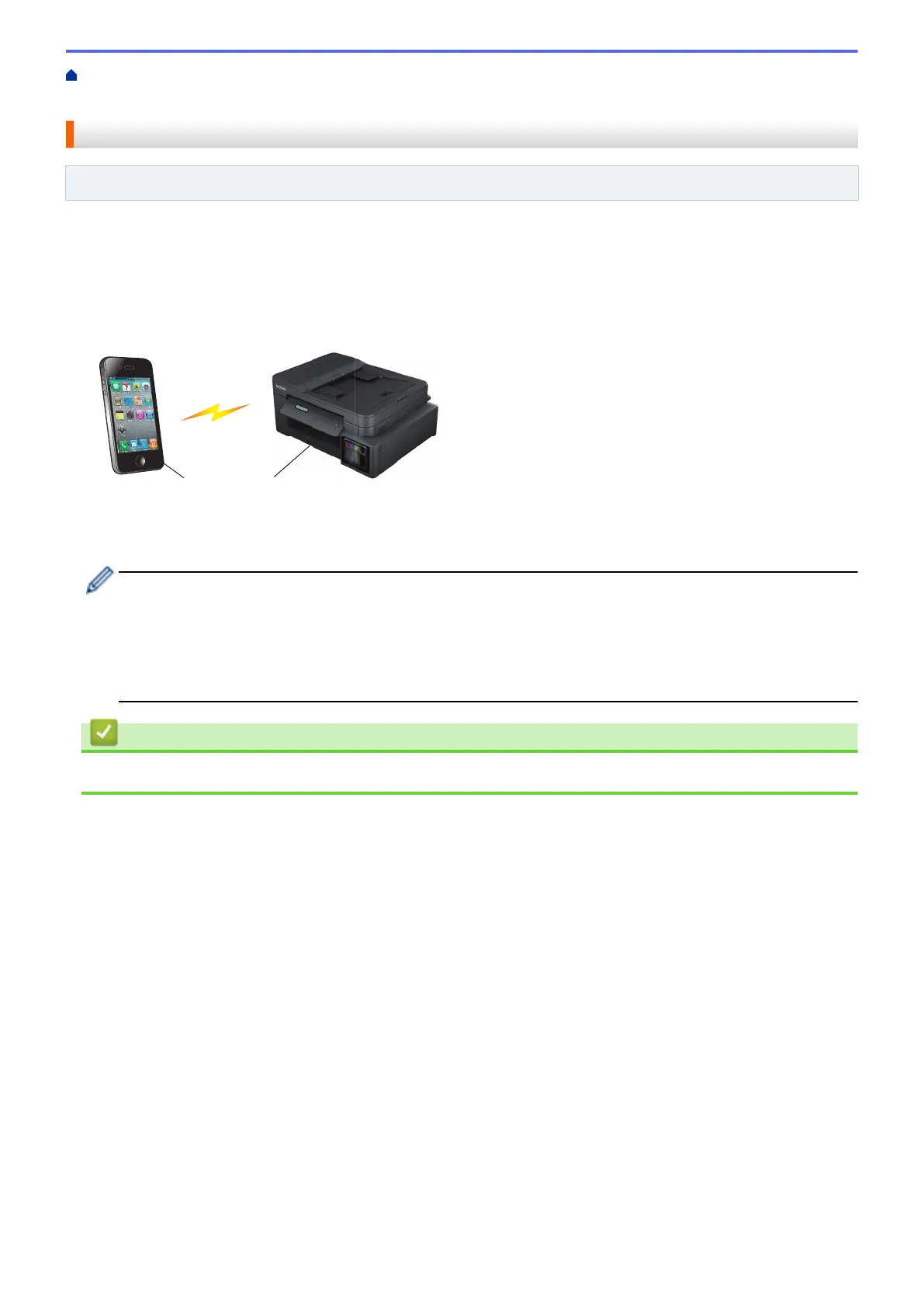
1. Mobile device
2. Your Brother machine
• Although the Brother machine can be used in both a wired (supported models only) and wireless
network, only one connection method can be used at a time. However, a wireless network connection
and Wi-Fi Direct connection, or a wired network connection and Wi-Fi Direct connection can be used at
the same time.
• The Wi-Fi Direct supported device can become a Group Owner (G/O). When configuring the Wi-Fi
Direct network, the Group Owner (G/O) serves as an access point.
Related Information
• Use Wi-Fi Direct
®
288









 To Next Page