Home > Mobile/Web Connect > Google Cloud Print > Print from Google Chrome
™
or Chrome OS
™
Print from Google Chrome
™
or Chrome OS
™
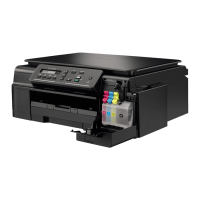
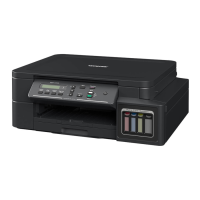
Related Models: DCP-T510W/DCP-T710W/MFC-T910DW
1. Make sure your Brother machine is turned on.
2. Open the web page that you want to print.
3. Click the Google Chrome
™
menu icon.
4. Click Print.
5. Select your machine from the printer list.
6. Change print options, if needed.
7. Click Print.
Related Information
• Google Cloud Print
337





 To Next Page