1
Quick Setup Guide
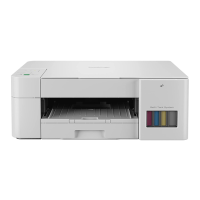
DCP-T230 / DCP-T236 / DCP-T238
DCP-T430W / DCP-T435W / DCP-T436W / DCP-T439W CHN-ENG
Version 0
Continue to the next column
Operation Videos:
www.95105369.com
Installation & Using Videos
Read the Product Safety Guide first, then read this Quick Setup Guide for the correct installation procedure.
a
Unpack the machine and
check the components
Remove the protective tape and the film covering
the machine.
b
Load plain A4 paper in the
paper tray
If you selected [[4-B] Set up from the control panel on the machine] in the printed Quick Setup
Guide included with the machine, go to [4-B].
Inbox Ink
Bottles*4
Power Cord
User's
Guide
USB Cable
NOTE
• The illustrations in this guide may not match your model
exactly, but the steps are the same for each model.
• Save all packing materials and the box in case you need to
ship your machine.
• We recommend using a USB 2.0 cable (Type A/B) that is no
more than 2 metres long.







 To Next Page
