Scanning Applications and Settings
32
5
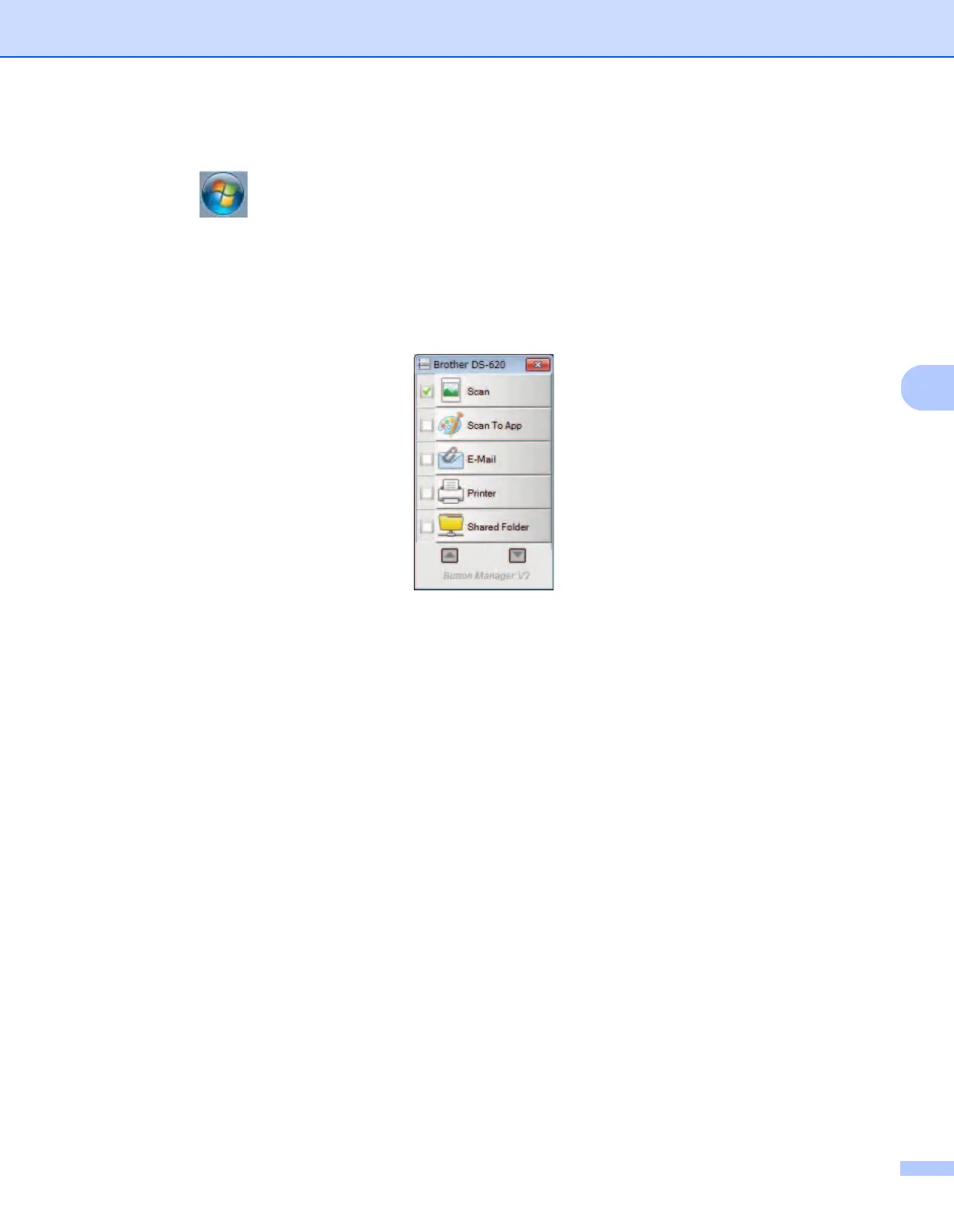
To launch Button Manager V2 from the Windows
®
Start button
1 Click Start > All Programs > Brother DS-620 (DS-720D) Scanner > Button Manager > Button
Manager V2.
2 When the Select Scanner Model dialog box appears, select your scanner model from the list, and then
click OK.
3 Button Manager V2 launches.







 To Next Page