3
2
2
For Windows
®
users
NOTE
• Make sure that your computer is ON and you are logged on with Administrator rights.
• DO NOT connect the Micro USB Cable yet.
• If your computer does not have a DVD-ROM drive, the supplied DVD-ROM does not contain drivers for
your operating system, or you want to download manuals and utilities, visit your model page at
http://solutions.brother.com/
1 Insert the DVD-ROM.
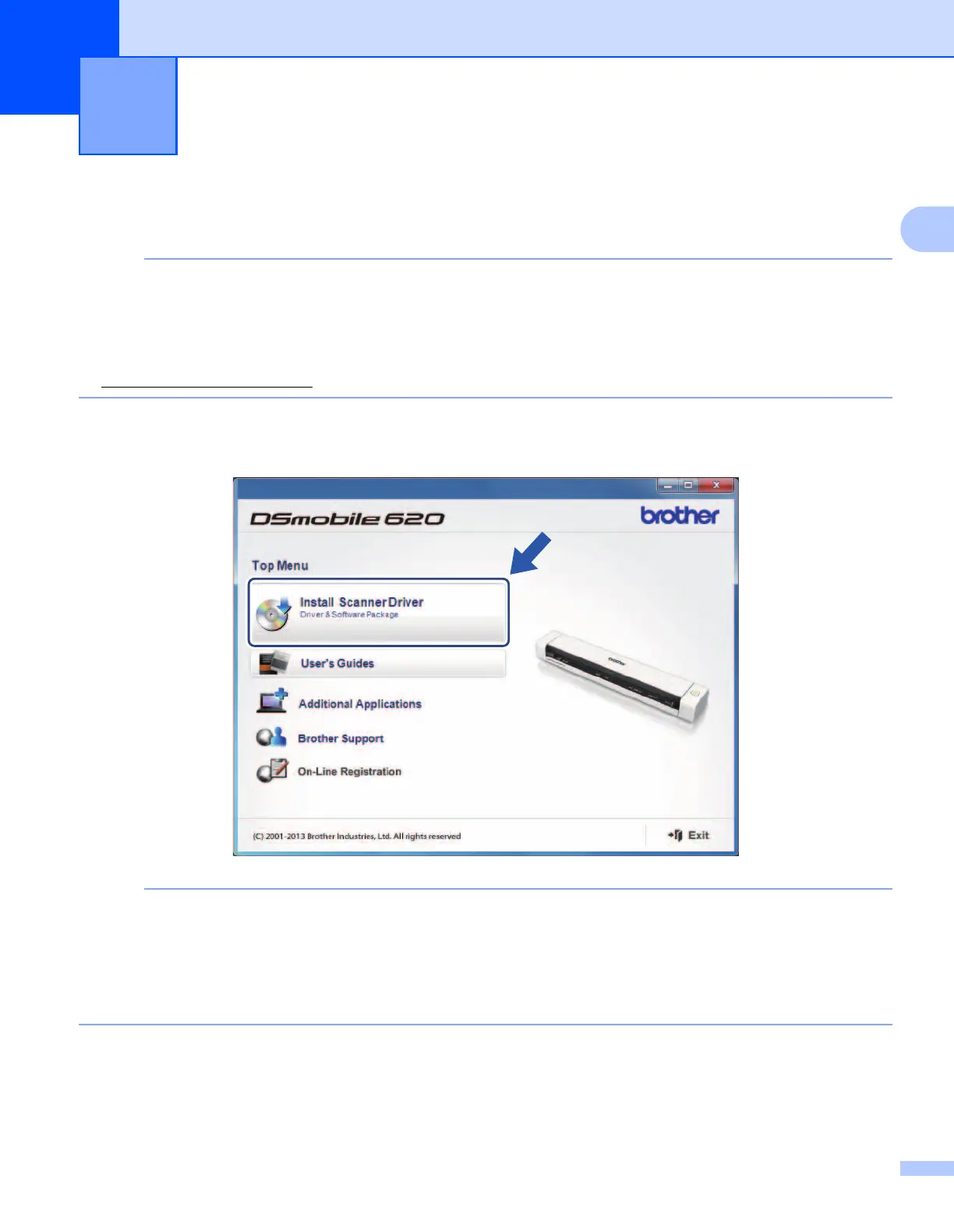
2 When the Setup screen appears, click Install Scanner Driver and follow the on-screen instructions.
NOTE
• If the Brother screen does not appear automatically, go to My Computer (Computer), double-click the
CD-ROM icon, and then double-click AutoRun.exe.
• When you install the scanner driver, DSmobileCapture (a scanning application) will be installed at the
same time. For more information on using DSmobileCapture, see Using DSmobileCapture (for Windows
®
)
on page 13.
Installing the Scanner Driver and
Scanning Software
2











 To Next Page