Installing the Scanner Driver and Scanning Software
4
2
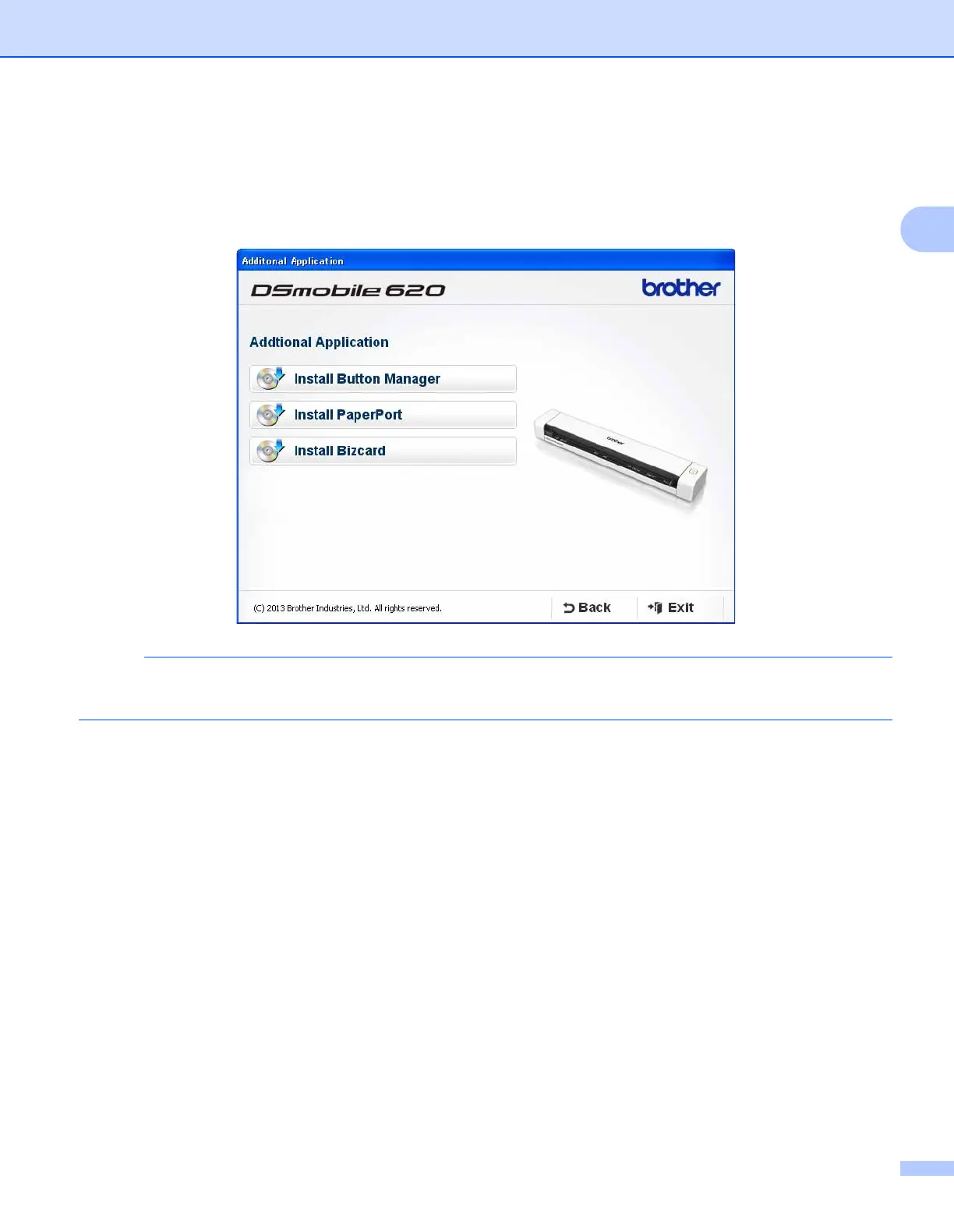
3 Click Additional Applications to install any of these applications during setup.
• Button Manager V2: document scanning and storing (to specified destinations).
• PaperPort™ 12SE or PageManager9: document scanning, editing and management. (Available
software applications can vary depending on your country.)
• Presto! BizCard 6: business card scanning, editing and management.
NOTE
• For more information on which scanning application will work best for you, see Choosing your scanning
software on page 12.











 To Next Page