EasyManua.ls Logo

Brother Entrepreneur Pro PR1000e - User Manual

Brother Entrepreneur Pro PR1000e
318 pages
Print Icon
To Next Page IconTo Next Page
Loading...
Product Code: 884-T10
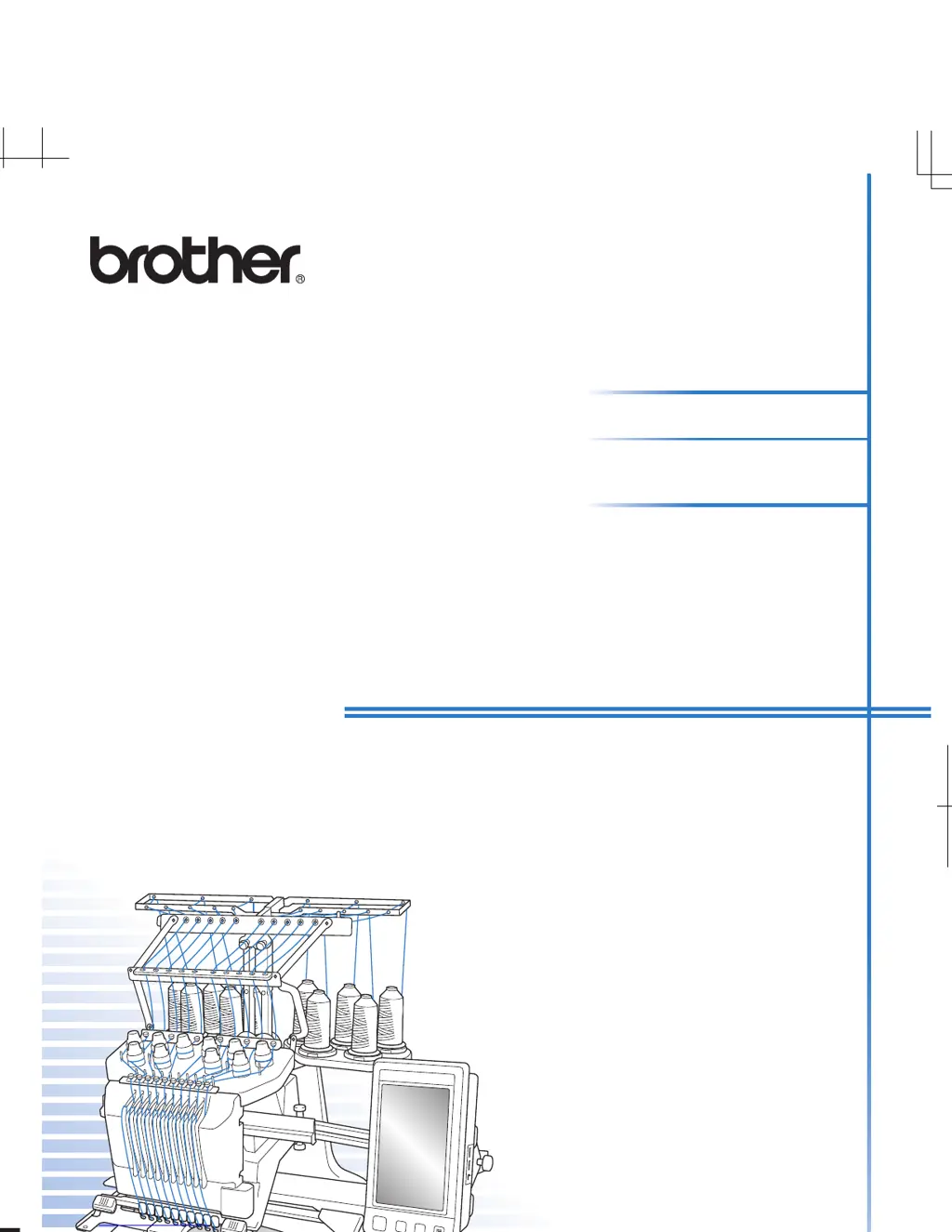
Operation Manual
Embroidery Machine
PR-1000
English
884-T10
XE8347-001
Printed in Taiwan
Please visit us at http://solutions.brother.com where you can get product
support and answers to frequently asked questions (FAQs).
Operation Manual
884-T10
XE8347-001_cover_H1-4
PANTONE 285C K

Table of Contents

Other manuals for Brother Entrepreneur Pro PR1000e

Questions and Answers

  • B
    Betty SawyerJul 29, 2025
    Why does the needle keep breaking on my Brother Sewing Machine?
    • A
      adamsjamesJul 29, 2025
      The needle on your Brother Sewing Machine might be breaking due to several reasons: * It may not be installed correctly, so ensure you correctly install the needle. * The needle set screw could be loose; tighten it securely using the Allen screw driver. * The needle might be bent or blunt, in which case, replace it with a new one. * The area around the hole in the needle plate could be damaged, consider replacing the needle plate. * The needle might be hitting the needle plate.
  • C
    Carrie MaloneAug 2, 2025
    Why does the upper thread keep breaking on my Brother Entrepreneur Pro PR1000e Sewing Machine?
    • A
      Andrew MurrayAug 2, 2025
      The upper thread may break because: * The needle is not correctly installed; correctly install the needle. * The needle set screw is loose; use the Allen screw driver to tighten the needle set screw. * The needle is bent or blunt; replace the needle with a new one. * The area around the hole in the needle plate is damaged; replace the needle plate. * You might be using a specialty thread like a metallic thread; slow down the machine sewing speed.
  • P
    Patricia SanchezAug 7, 2025
    What to do if my Brother Embroidery Machine does not operate?
    • K
      kristen20Aug 7, 2025
      If your Brother embroidery machine isn't operating, check these possible causes: * The machine is not turned on. Turn on the embroidery machine. * The machine has not been unlocked. Touch the unlock key. * The start/stop button was not pressed. With the machine unlocked, press the start/stop button.
  • D
    Debbie PearsonAug 11, 2025
    What to do if Brother Sewing Machine shows broken thread error?
    • J
      James BrownAug 11, 2025
      If a broken thread error occurs even though the thread isn't broken, it means that the thread breakage sensor in the thread tension disc isn't detecting thread movement. Clean the tension unit and correctly pass the thread through the thread tension disc.
  • D
    dmyersAug 15, 2025
    Why doesn't the upper thread reach the bobbin thread on my Brother Entrepreneur Pro PR1000e Sewing Machine?
    • M
      Margaret CamachoAug 16, 2025
      If the upper thread does not reach the bobbin thread when embroidering begins, it might be because there is no more thread in the bobbin, the thread does not feed from the bobbin, or the thread that is fed from the bobbin is too short. Correctly thread the lower thread.
  • A
    Andrea WilsonAug 19, 2025
    What to do if the embroidery frame cannot be removed from Brother Entrepreneur Pro PR1000e?
    • E
      egeorgeAug 19, 2025
      If you're having trouble removing or attaching the embroidery frame, it might be due to the position where the machine carriage has stopped. Touch the 'Needle bar/Frame move key' to position the carriage so the embroidery frame can easily be removed or attached.
  • E
    Ernest LopezAug 25, 2025
    Why can't I attach the embroidery frame to my Brother Sewing Machine?
    • R
      robertclarkAug 25, 2025
      The embroidery frame holder attached to the machine might not be appropriate for the selected embroidery frame. Select the appropriate embroidery frame holder for the embroidery frame.

Brother Entrepreneur Pro PR1000e Specifications

General IconGeneral
Number of Needles10
LCD DisplayYes
USB ConnectivityYes
Built-in Designs110
Needle Threading SystemAutomatic
TypeEmbroidery Machine
Maximum Embroidery Area360 mm x 200 mm
Stitch SpeedUp to 1, 000 stitches per minute
DisplayHD LCD Touch Screen

Related product manuals